ABOUT THIS GAME
Play Pixel Trauma Lab Game Online
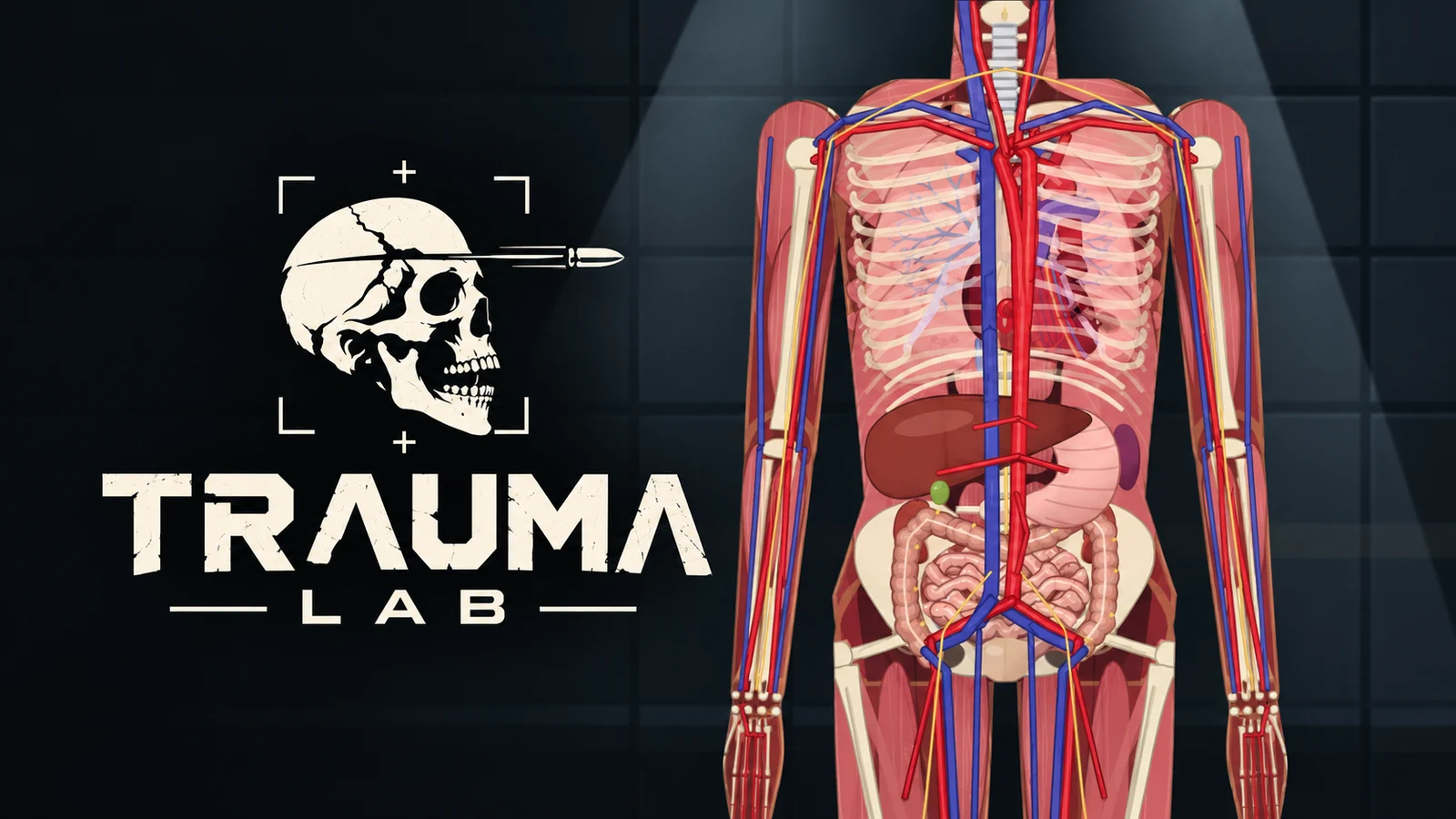
Trauma Lab gives you a body, a shelf of tools, and a monitor that reacts to what you do. Want to experiment? Choose Sandbox, try a tool, and look beneath the surface with X-ray. Want a clear goal? Choose Keep Him Alive and work toward stabilizing a patient. Trauma Lab is worth opening if you enjoy taking a system apart, changing one thing, and seeing what happens next.
Trauma Lab is for players aged 18+ and contains graphic violence and gore. Its anatomy and treatment systems are fictional gameplay, not medical advice.
Trauma Lab: Before You Start
| Detail | What to expect |
|---|---|
| Game | Trauma Lab |
| Category / tags | Simulation · Sandbox · Anatomy · Physics · Ragdoll |
| Browser modes | Sandbox and Keep Him Alive |
| Layout | Landscape; desktop and touch controls |
| Platform | HTML5 web browser |
| Available on Pixel Game | October 25, 2026 |
| Main goal | Experiment freely or stabilize a patient in a challenge |
| Creator | Abynotic Studios |
| Content | 18+; graphic violence and gore |
Play Trauma Lab for free in Sandbox or take on a Keep Him Alive case. Story mode requires playtester or supporter access, so start with one of the two available modes. Ready to try another kind of experiment? Explore more simulation games.
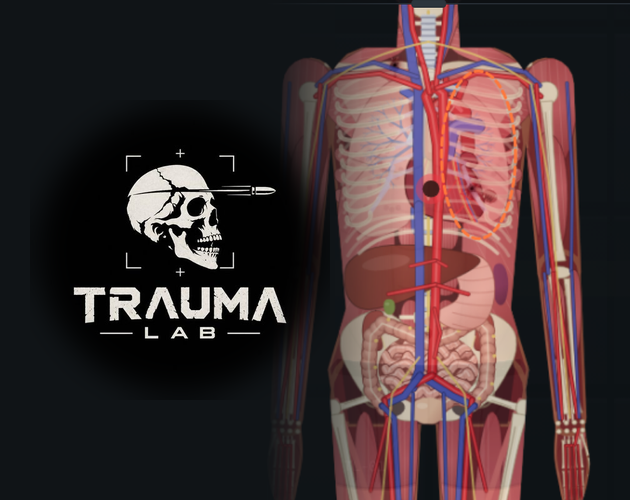
Look beneath the surface in Trauma Lab and follow how each action affects the body.
How to Play Trauma Lab
- Start Trauma Lab in the player above. Choose Sandbox if you want time to explore the interface, or Keep Him Alive if you want a patient case.
- Start with Simple surgery mode to perform actions with a tap. Choose Complex when you want to carry out operations by hand.
- Pick Hand, Weapons, Props, Medicine, or Powers along the bottom. Select a tool from the list or use its search box.
- Read the hint above the categories, then click, tap, or drag where the selected tool requires. Different tools use different gestures.
- Watch the monitor and open X-ray or Chart to check what changed. Pause when you need time to read.
- In Sandbox, use Reset to start with a fresh subject and compare another experiment.
For a first Trauma Lab session, try grabbing and moving the body, switching views, and inspecting the layers before opening more tool menus. That makes it easier to follow the feedback when the scene gets busy.
Trauma Lab Controls
Click inside Trauma Lab before using shortcuts. Use these keys in Sandbox, or change them in Options to suit how you play.
| Control | Action |
|---|---|
| Mouse click / drag | Use the selected tool as its hint directs |
| Tap / drag on a touchscreen | Use tools and menus |
| 1 / 2 / 3 / 4 / 5 | Hand / Weapons / Props / Medicine / Powers |
| Q / E | Previous / next tool in the current category |
| Tab | Open the tool menu |
| Space | Pause or resume |
| X / Z | Toggle X-ray / Examine |
| C / T | Toggle the injury chart / bullet paths |
| V | Cycle side, front, and back views |
| Mouse wheel | Zoom |
| Middle mouse drag or W A S D | Move the camera |
| Two-finger pinch / drag | Zoom / move the camera on touchscreens |
| 0 | Fit the subject back on screen |
| Reset button | Create a new subject |
In Trauma Lab's Sandbox, W A S D moves the camera. Use the Hand tools when you want to move the subject itself.
What Can You Try in Trauma Lab?
Sandbox: set your own question. Trauma Lab gives you hand tools, props, weapons, medicine, and powers to experiment with. Change a tool or setup, watch the physical response, then reset to compare. There is no required sequence of levels in this mode.
Keep Him Alive: work toward a result. Choose a case or a random emergency, read the available hints, and use the permitted hand and medical tools. The challenge tracks whether the patient becomes stable and holds that state for 15 seconds. After an attempt, you can retry, choose another case, or return to Sandbox.
X-ray: see why something changed. Trauma Lab lets you reveal layers including bones, organs, and vessels. Turn on Examine to inspect a spot, or open Chart for a broader injury readout. The monitor keeps heart rate, blood pressure, oxygen, and blood volume in view.
Simple or Complex surgery: choose how much handling you want. Simple makes actions quicker to perform. Complex adds manual operation steps. Learn the tool hints in Simple before deciding whether the extra interaction is what you want from Trauma Lab.
Inside Trauma Lab: Pick, Try, Inspect
Start Trauma Lab with a simple question: what changes when you use this tool? Pick your mode, try one action, and watch the monitor. Switch on X-ray when you want to look closer, then reset and see how a different choice plays out.
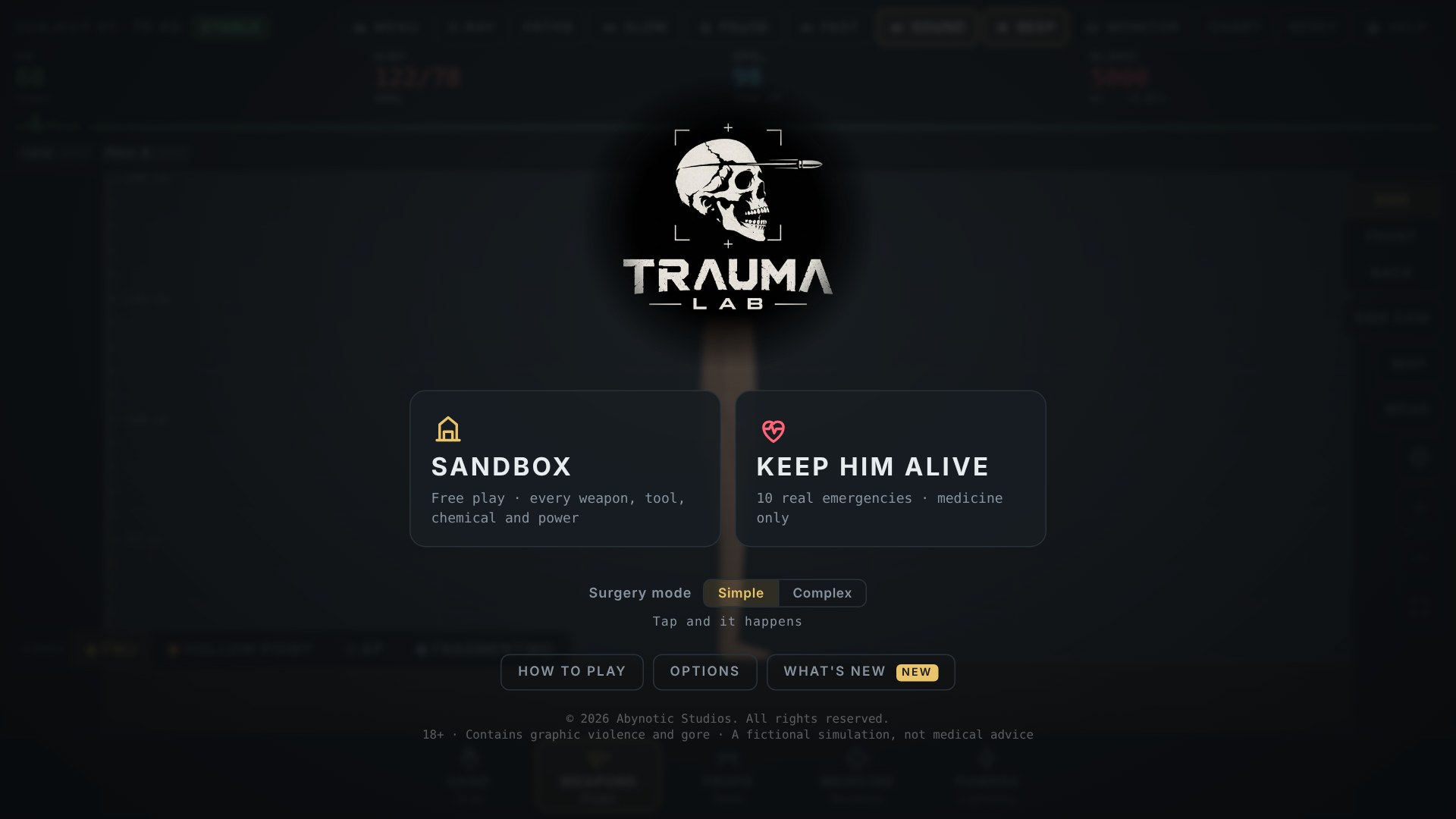
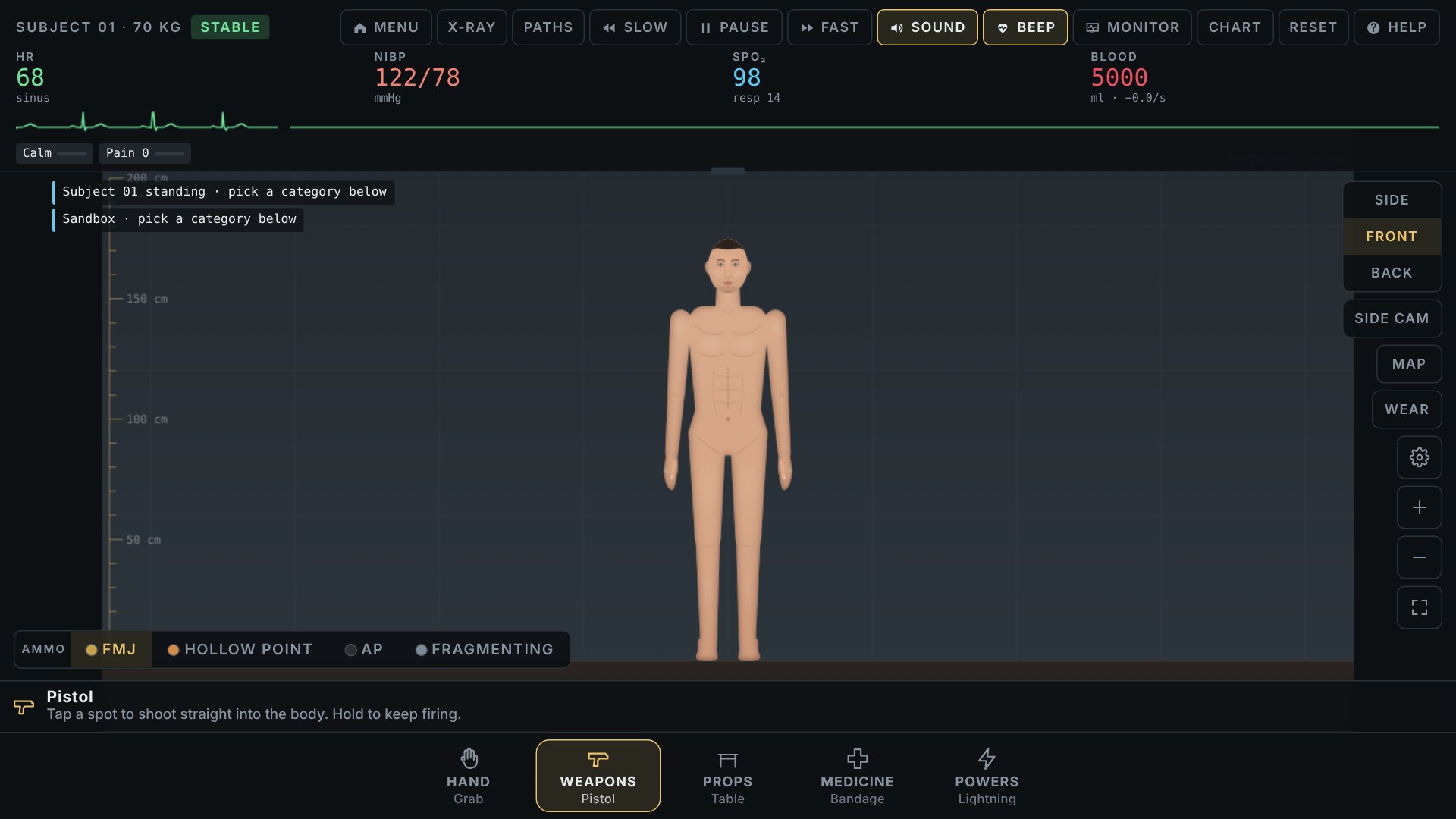
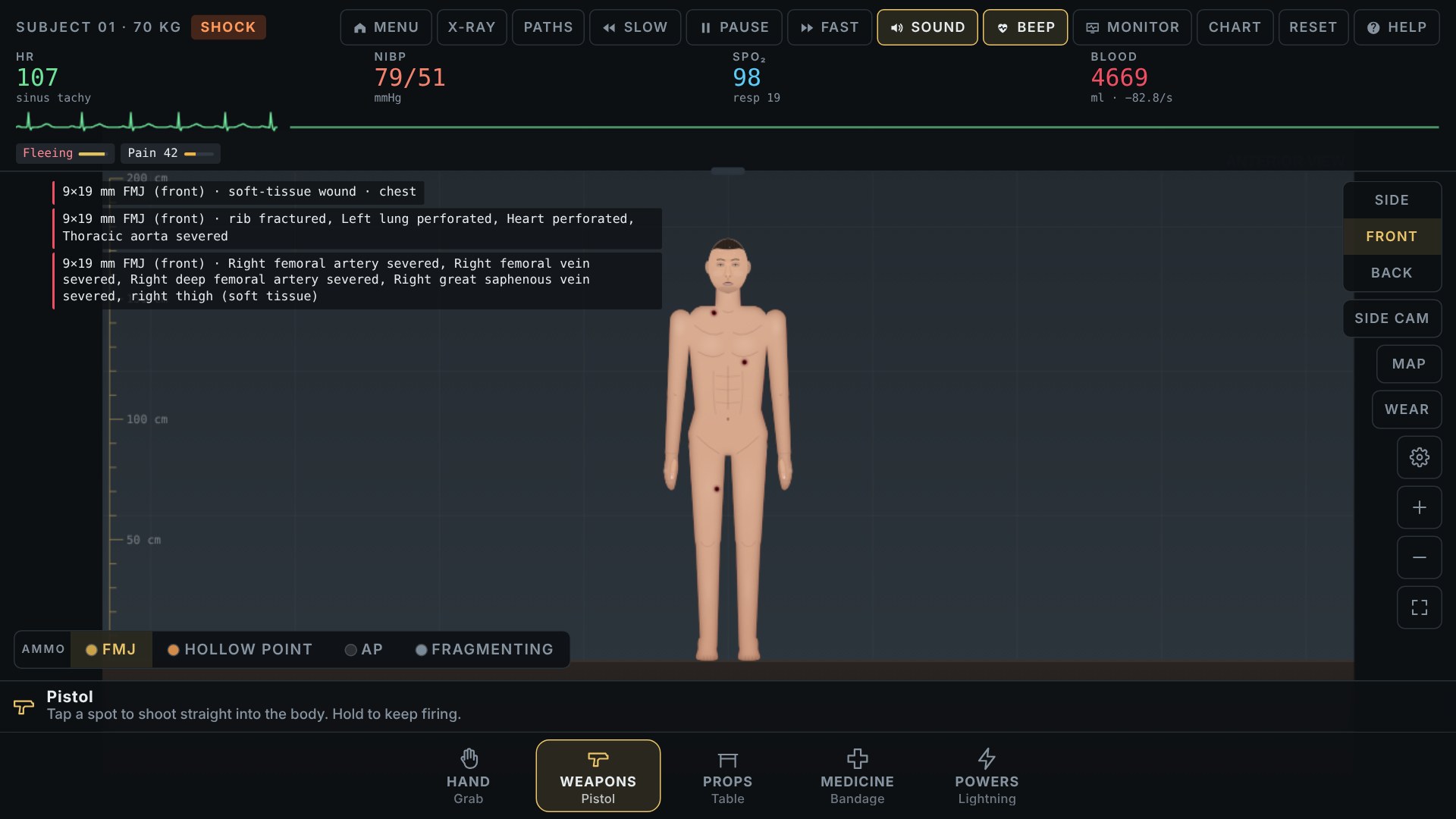
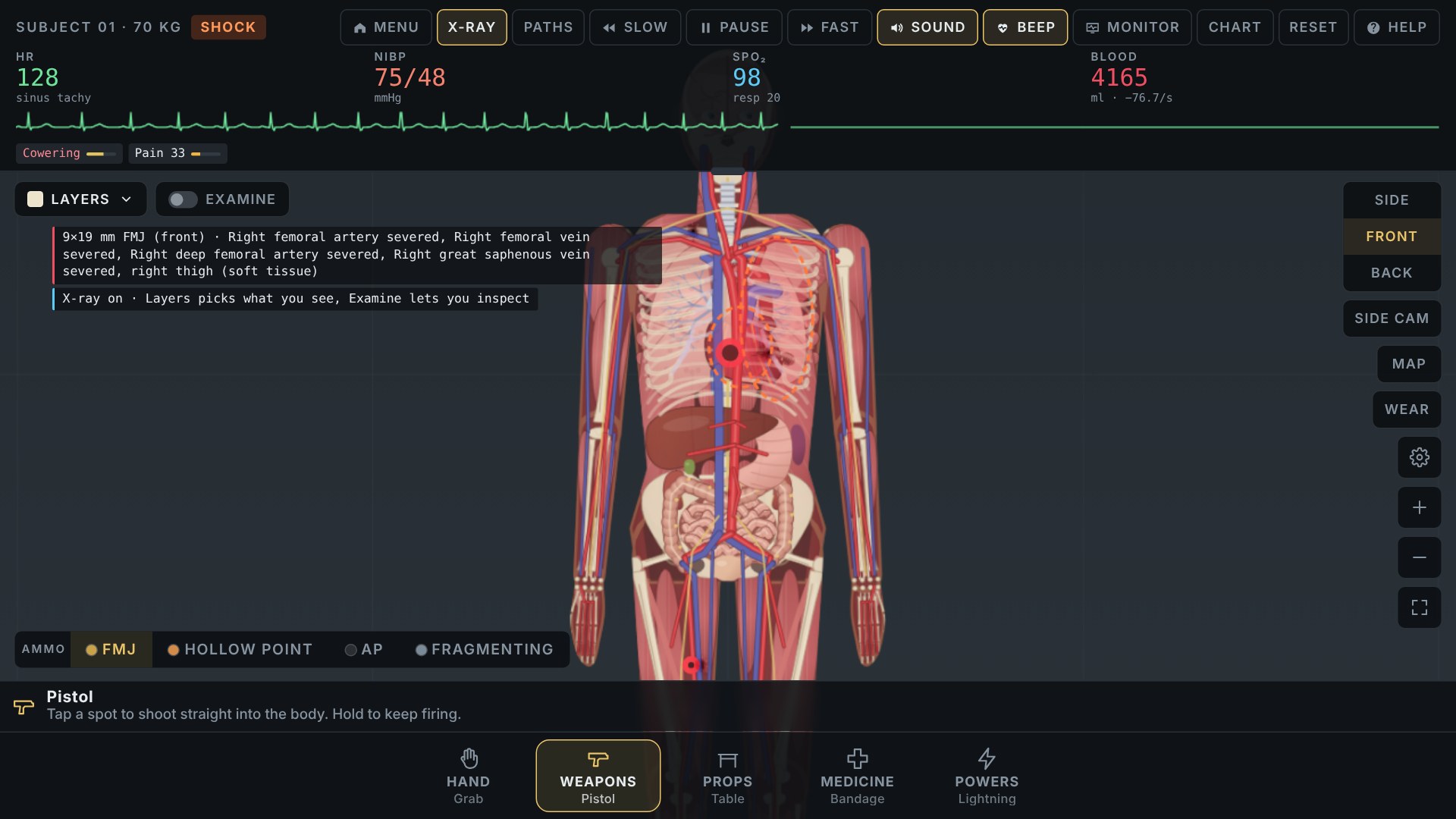
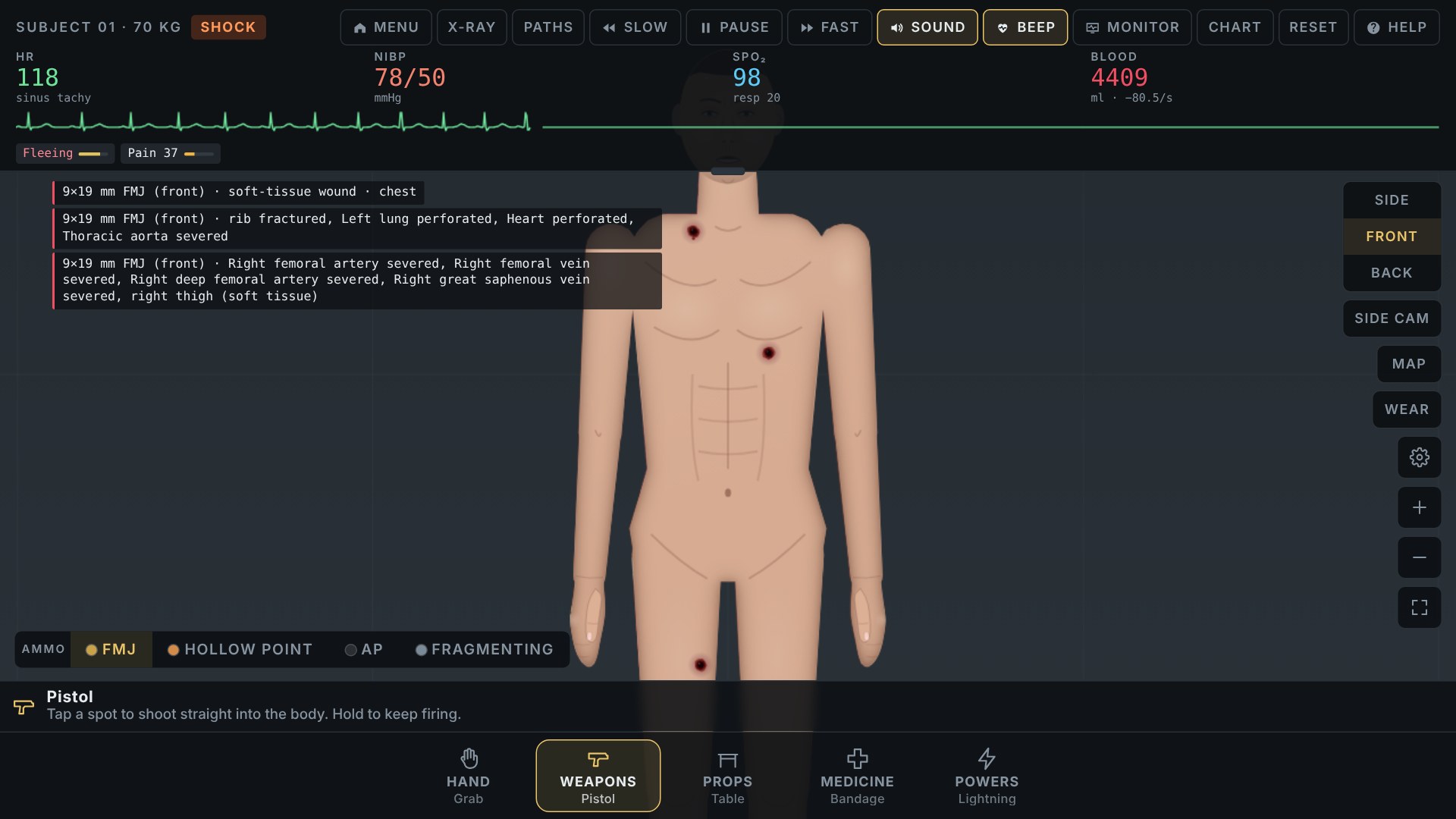
Zoom in for a closer look, then use Fit to return to the whole subject.
Watch the Trauma Lab video on YouTube.
What Do You Practice in Trauma Lab?
Trauma Lab rewards observation and controlled experimentation: change one variable, read the feedback, and compare it with your previous attempt. In Keep Him Alive, you also need to choose tools under time pressure. Take what you noticed in Sandbox into your next case and see whether you can reach a stable result.
Tips for Your First Trauma Lab Session
- Use Sandbox to learn the layout. Find Reset, X-ray, Chart, and the tool hint before starting a case.
- Change one thing at a time. A fresh subject makes differences between two experiments easier to follow.
- Read before clicking again. The event log and monitor explain more than the animation alone.
- Use pause and slow motion. Give yourself room to inspect a fast change.
- Recover the camera with 0 or Fit. You do not need to reset your experiment just because you lost the subject offscreen.
- Check Graphics if play feels slow. Trauma Lab offers Auto and Low quality settings, including options intended for slower phones.
Is Trauma Lab Worth Playing?
Try Trauma Lab if the interesting part of a sandbox for you is finding out how its systems connect. A visible action can change several readings, and X-ray gives you a reason to investigate. Keep Him Alive adds a target when free play starts to feel aimless.
Expect a tool-heavy interface and a graphic tone. If you want a quick score chase with just one button to learn, Trauma Lab asks for more patience. Start with a short Sandbox experiment to see whether watching and comparing results is fun for you.
Play Trauma Lab Online
Start Trauma Lab in the player above and choose Sandbox or Keep Him Alive. You can play without installing anything. Turn your phone sideways or use fullscreen to give the menus and monitor more room, then tap, click, or drag to try your first tool.
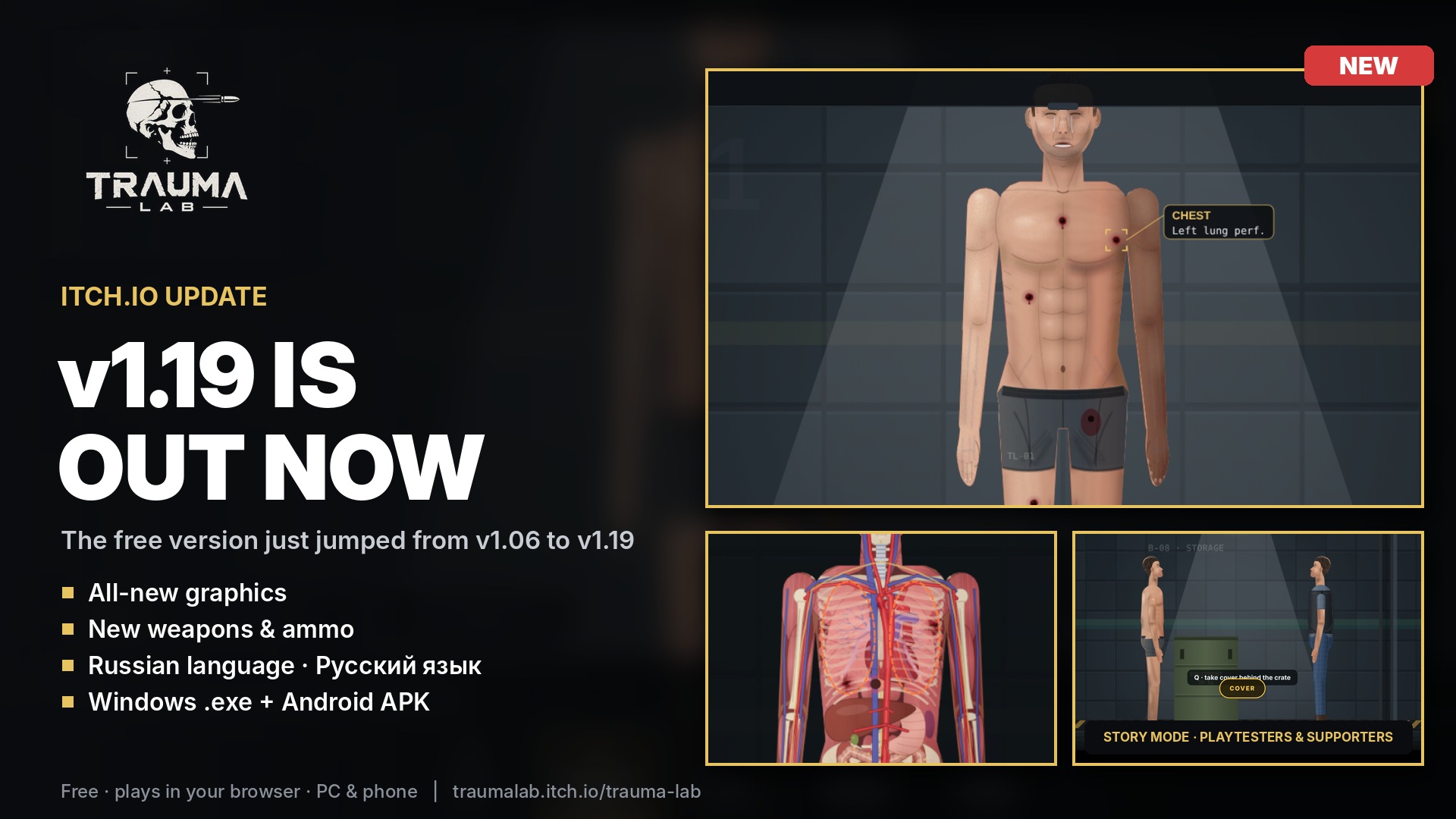
Try Trauma Lab's free Sandbox tools and Keep Him Alive cases before deciding whether you want Story access.
Trauma Lab FAQs
Is Trauma Lab free to play here?
Yes. You can play Trauma Lab's Sandbox and Keep Him Alive modes for free in your browser, without installing anything.
Which Trauma Lab mode should I start with?
Choose Sandbox to learn the tools without a case objective. Choose Keep Him Alive when you want a challenge with a stability target and a result screen.
Can I play Trauma Lab Story mode in this version?
You need playtester or supporter access for Story mode. Choose Sandbox or Keep Him Alive to start playing for free, or check Trauma Lab for Story access.
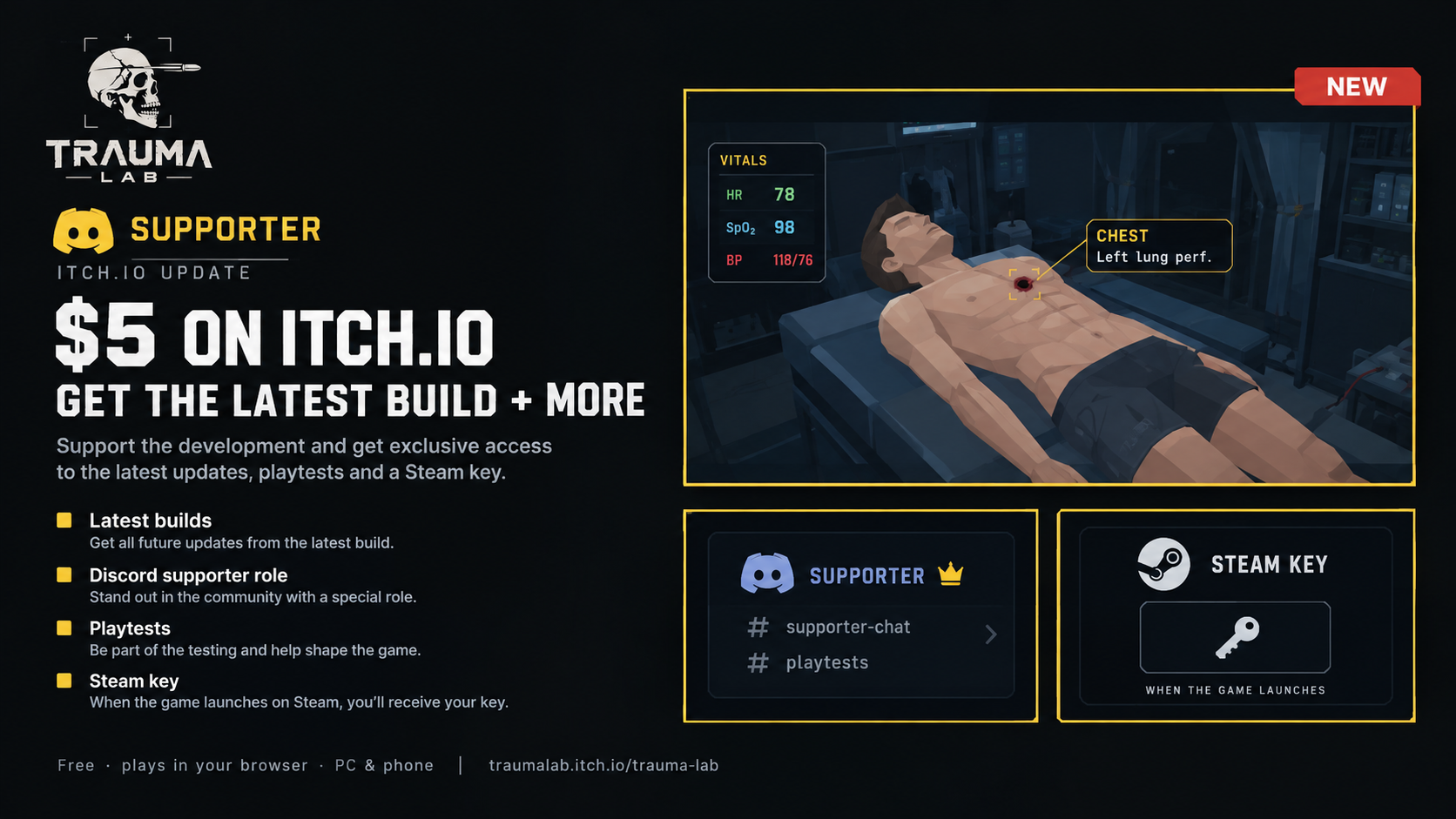
Want to explore Trauma Lab's Story mode? Check the playtester and supporter options.
What happens if a Trauma Lab attempt fails?
In Sandbox, Reset gives you a new subject. A completed challenge offers Retry, Other case, and Back to sandbox.
Can I play Trauma Lab on a phone?
Yes. Tap or drag to use tools, pinch to zoom, and use two fingers to move the camera. Turn your phone sideways and try fullscreen if you need more room for Trauma Lab's menus.