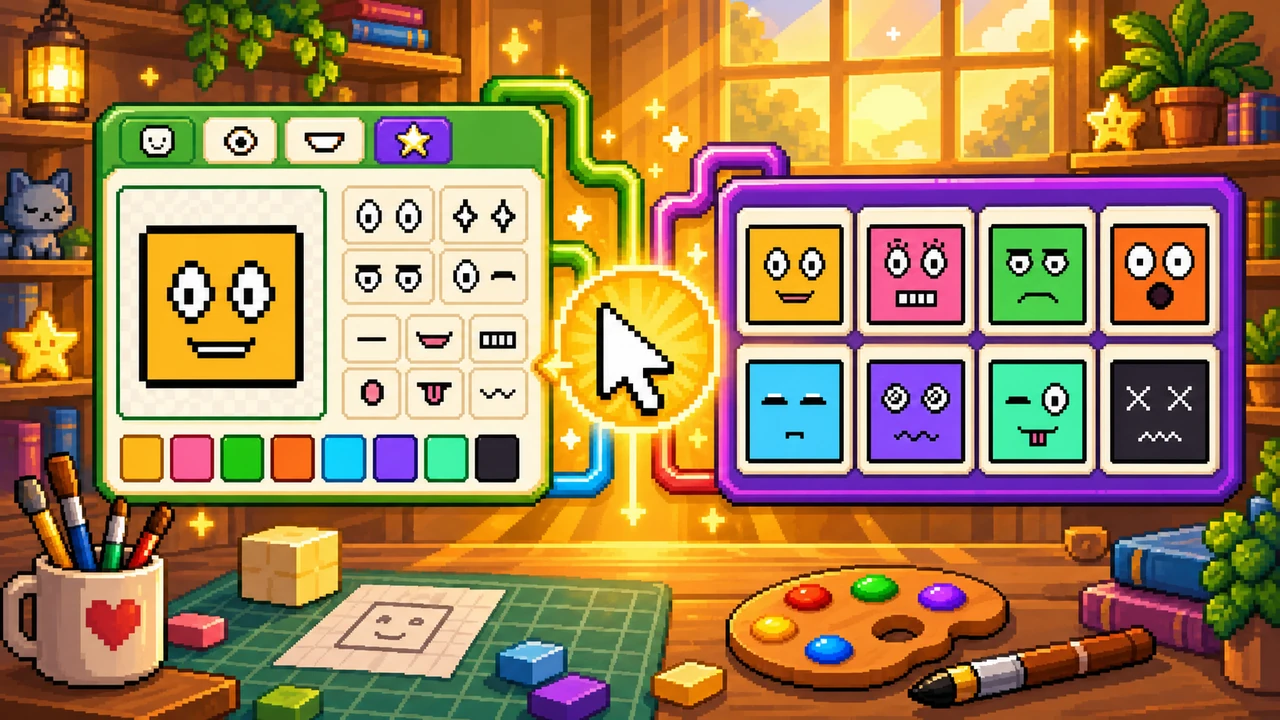
Use Pixel Cube Face as a free block face maker in your browser. The whole tile is the face: pick eyes, pick a mouth, recolor the square, and export a cube face image as a sharp pixel face PNG. No account, nothing uploaded.
It is a small way to enjoy pixel expressions — a wink, a frown, a tongue — and to turn that block face art into something you can keep. Download it as a picture, use it as an avatar, or save it as a cube face logo.
How to use Pixel Cube Face
- Start a face. The maker opens empty. Tap an example, or press Randomize for a surprise expression.
- Swap the eyes. Round, angry, sleepy, wink, hearts, and other simple looks sit as a pair on the square.
- Swap the mouth. Smile, grin, O, frown, tongue, and other marks change the mood without extra layers.
- Recolor the cube. Use the face swatches for the tile, or the outline swatches for the border.
- Download or share. Export a pixel face PNG at 128, 256, or 512 px, or copy a link that stores this cube face in the URL.
Lock Eyes or Mouth before you Randomize if you want to keep one part while the other rolls. Undo and Redo let you explore without losing a look you liked.
What can you use a cube face for?
- Discord avatars — a cube face Discord icon that stays readable in a circle crop
- Profile pictures for chats, streams, and game accounts
- Logos — a cube face logo or block face logo for a channel, a tiny brand, or a pixel project
- Pictures and stickers — save the cube face image as emoji-style art
- Game UI faces on dice, blocks, or item tiles
- Pixel expression art when you want a fast mood with only two marks
Face ideas to try
- Sunny — yellow tile, round eyes, a small smile
- Berry — pink tile, lashes, a wide grin
- Lime — green tile, angry eyes, a frown
- Mint — mint tile, a wink, a tongue
Tap an example above the article, then change one part.
FAQ
Is Pixel Cube Face free? Yes. Make and download a cube face image for free, with no account and no watermark.
How do I download my cube face? Pick a size, then press Download PNG. You get a pixel face PNG that scales in whole pixels so the edges stay sharp.
Can I use it as an avatar or logo? Yes. Save the cube face image and use it as a Discord avatar, a profile picture, or a small cube face logo / block face logo.
Can I share the face I made? Yes. Share copies a link with the face stored in the URL. Anyone who opens it sees the same cube face and can keep editing.
Is it private? Everything is drawn in your browser. Nothing is uploaded, and the PNG is generated on your device.
Related pixel tools
Build a full-body sprite with the Pixel Character Maker, make a classic square avatar in the Square Face Generator, or save colors in Pixel Palette. Browse everything on the pixel tools page.