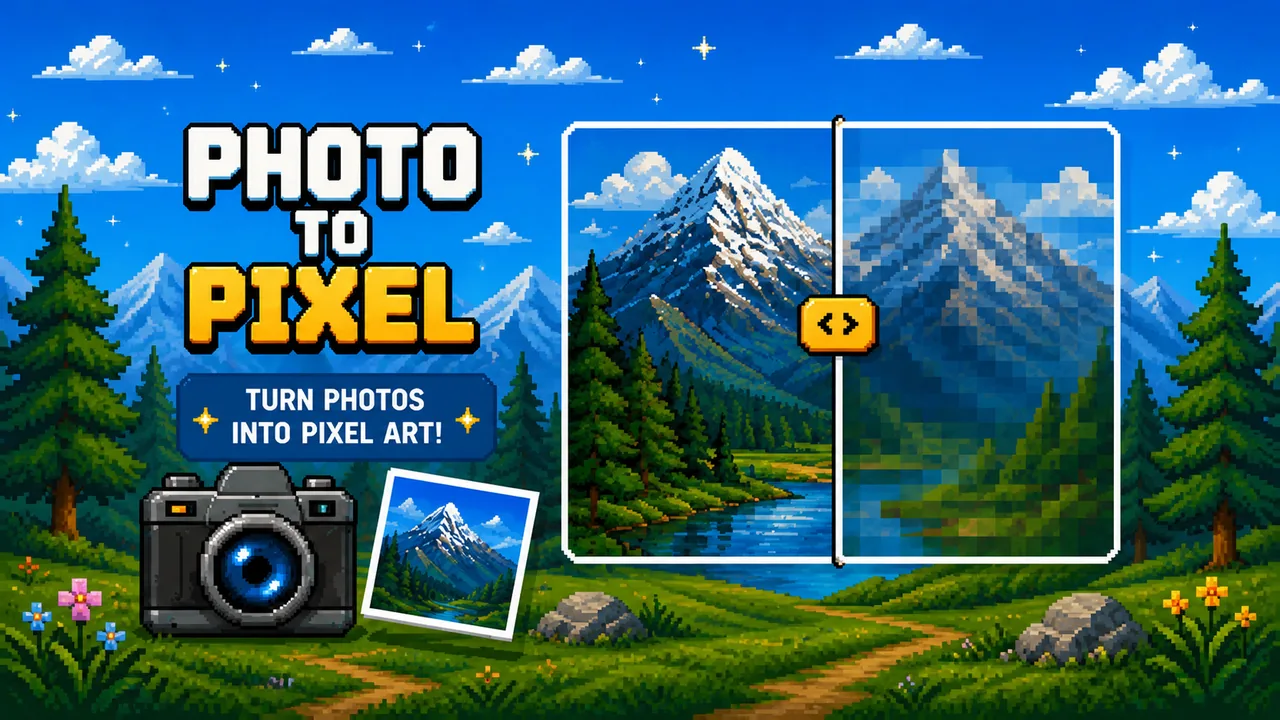
Use the converter below to turn any photo into pixel game art. Everything runs locally in your browser — the image is not uploaded to Pixel Game servers.
This page converts the picture and switches color schemes. It does not store palettes. Saved sets live in Pixel Palette.
How to use it
- Tap Choose file — or click the empty preview area — to pick an image from your device
- Use Pixel size to change how big the little squares look. Drag the slider or tap +/- on touch screens
- Stay on Photo to rebuild 2–64 colors from the image (the default scheme)
- Switch to a saved palette to map the same picture onto that set. If you set a color limit, the converter keeps the front of the list and drops colors from the end. If you do not set a limit, it uses the whole palette
- Optional: Save to palette library so the Photo colors become another scheme you can reuse
- Download the PNG when the preview looks right
Color schemes
- Photo — colors come from this image. Moving Colors rebuilds the set.
- Saved palettes — colors come from Pixel Palette. This page only applies them.
Pixel size and colors when you switch schemes
- Pixel size is global. It stays the same as you switch schemes, so you compare palettes at the same blockiness.
- Colors is per scheme. On Photo the slider is a count (2–64) that rebuilds the set from the image. On a saved palette the slider is that palette's own color limit (keep the front N, drop the rest). Switching back to Photo restores your last Photo count — schemes never overwrite each other.
Good uses
- Mood boards for a pixel game idea
- Trying the same sprite-like photo on a day palette and a night palette
- A PNG plus a
.gpl/.hexexport from Pixel Palette before you redraw in Aseprite
Tips
- High-contrast photos usually read better after pixelation
- Start with a larger pixel size, then refine
- Downloads keep the source dimensions unless a very large image exceeds the browser-safe 16-megapixel limit
- Drag the yellow handle to check original vs pixel in one frame
- Put keepers at the front of a saved palette. Reduction never pulls new colors from the photo once you leave the Photo scheme
Want the bigger picture? Read Pixel Tools on Pixel Game or jump back to play.