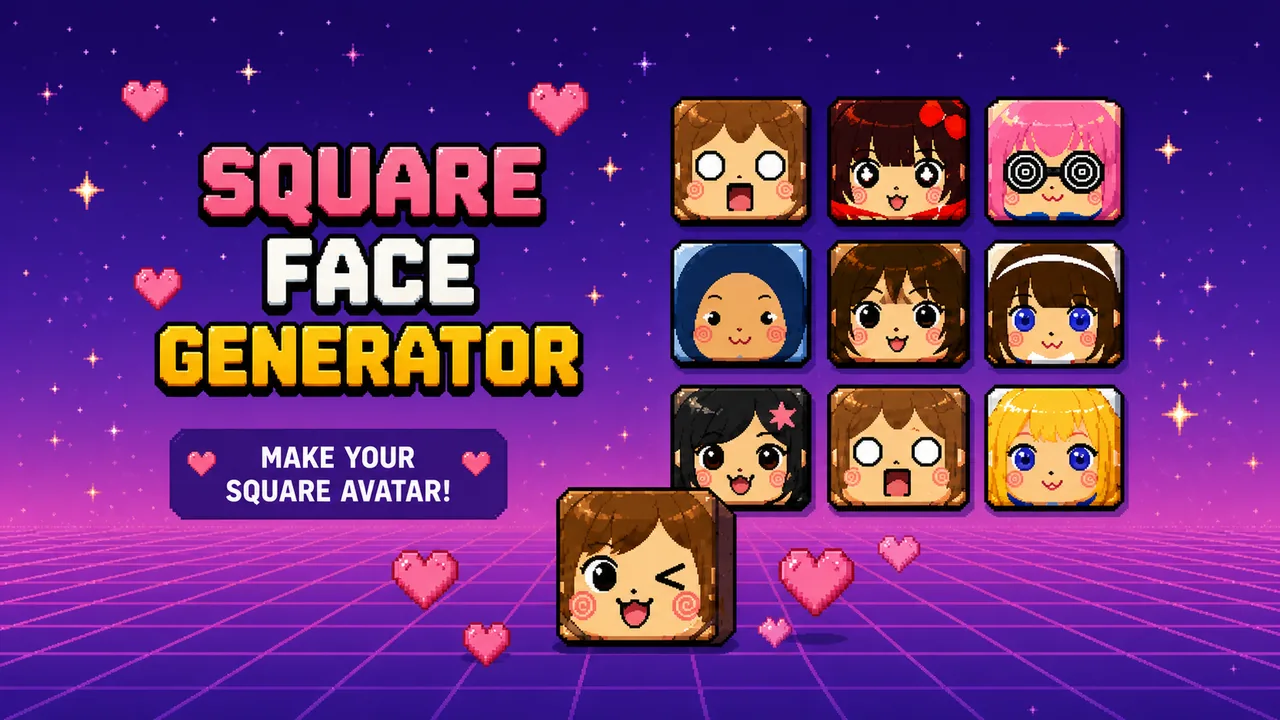

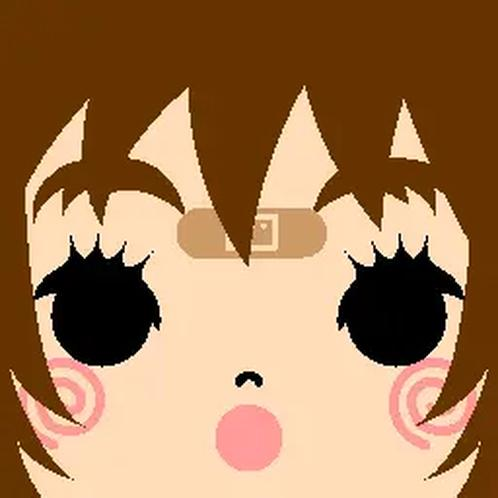
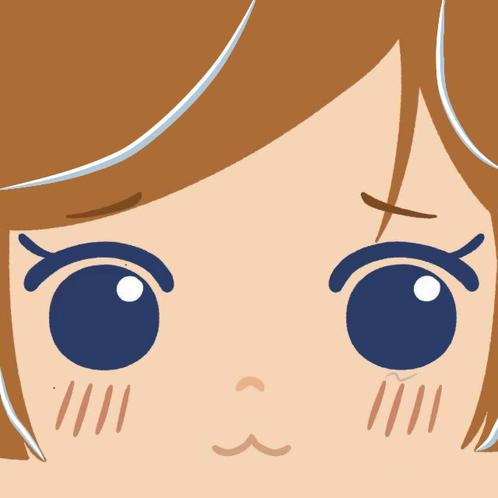

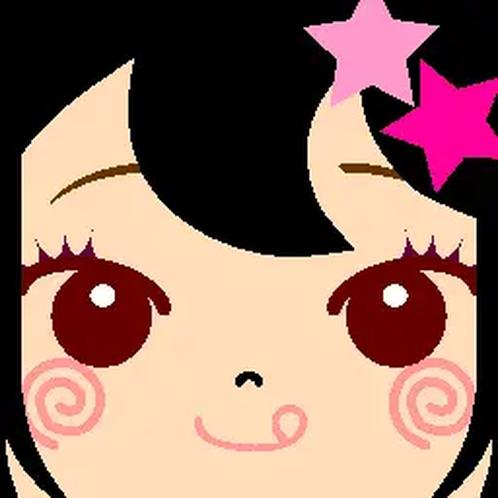
This square face generator is a free online pixel avatar maker. Build a cute square face, save a PNG, and use it as a profile picture — no account, no payment, and your face stays on your device.
Free, private, and safe
- Free. Open the maker and start. There is no login wall and no upgrade prompt on this page.
- Private. Parts are mixed in your browser. Pixel Game does not upload your avatar or ask for photos.
- Safe. You are not sending a face to a remote model. Download the PNG locally when it looks right.
Make a square face avatar
Press START, then either:
- Tap Random for a surprise pixel face, then swap the parts you do not like
- Or pick skin, hair, eyes, mouth, and accessories yourself until the square face feels like you
SAVE inside the maker when you are done. The PNG is a square icon, so it stays readable as a tiny PFP.
Where it works well
- Discord and chat apps — a square face sits cleanly in a circle crop
- Game profiles — Steam, itch, Roblox-style icons, and other pixel-friendly avatars
- Forums and classrooms — a friendly icon without using a real photo
- Streaming and social — Twitch, X, YouTube, or a burner account that still looks designed
- Pixel Game itself — a matching mascot while you play free pixel games
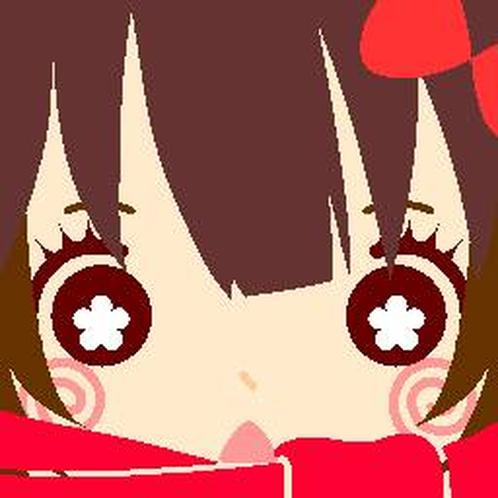
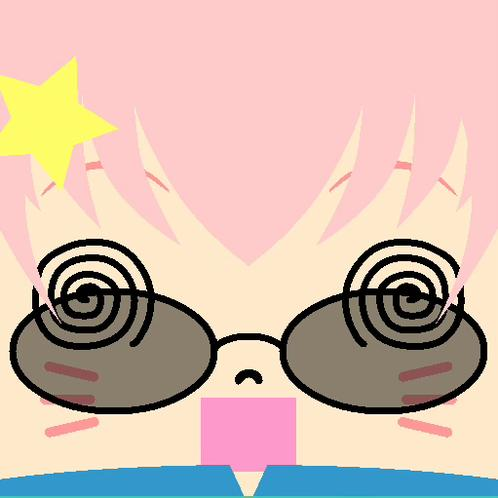
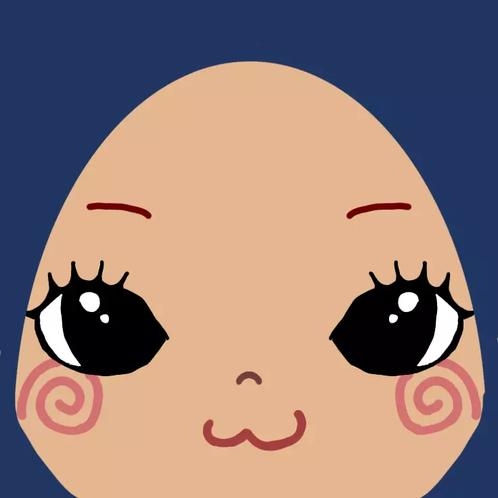
The gallery above is the mood: blocky, cute, and clear at small sizes. Make one like those, or a weirder Random mix.
A few habits that read better
- Keep the eyes and mouth near the center if the app will crop a circle
- One accent (a hat, glasses, or a loud shirt) usually beats stacking every accessory
- If Random is close, change only hair or eyes instead of starting over
Want a photo turned into pixels instead of a new face? Use Photo to Pixel. For color lists, open Pixel Palette. For more context, read Square Face Pixel Avatars.