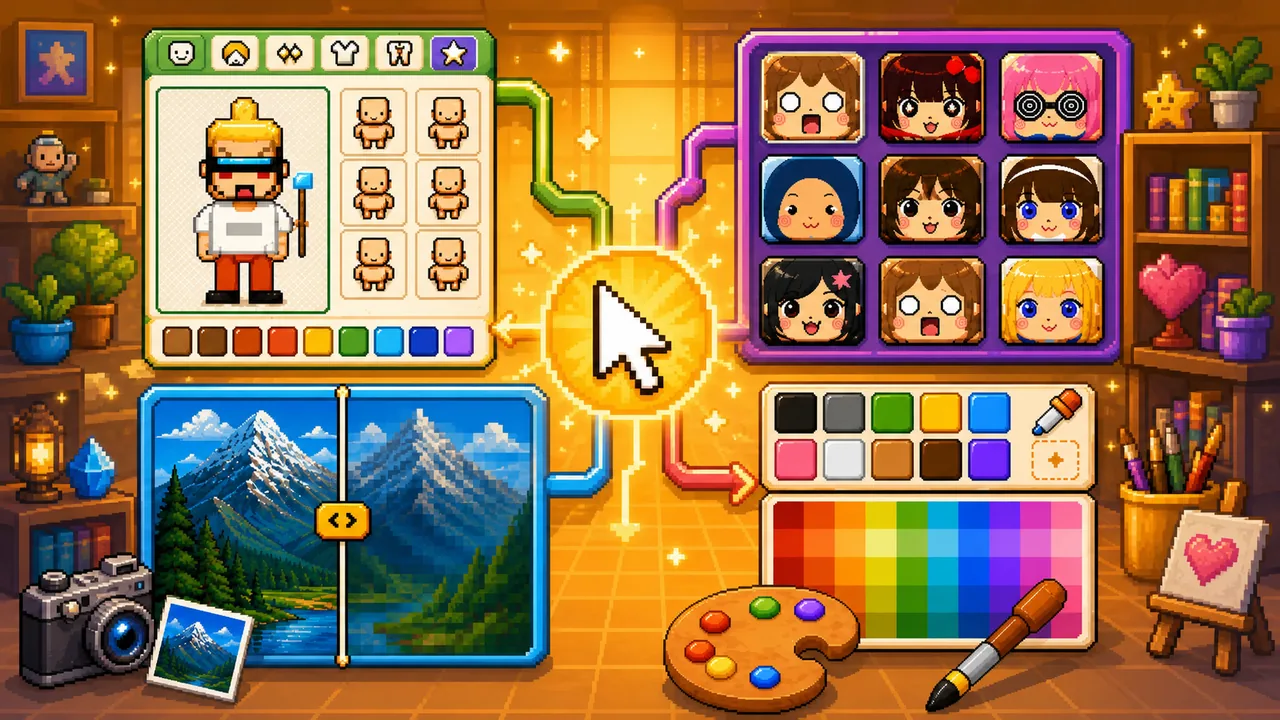
Pixel Game is still a place to play free browser pixel games. The Tools section adds a creation side for pixel game art: small utilities with one job each.
Why tools live next to games
Playing pixel games and making pixel art share the same visual language — limited colors, readable shapes, and blocky charm. Tools make that language interactive on this site, so the catalog is not only embeds and short blurbs.
Who does what
- Pixel Character Maker — free full-body pixel characters. Mix body, hair, clothes, and colors, then download a PNG.
- Square Face Generator — free pixel square-face avatars and PFPs. Mix parts or use Random, then save a PNG.
- Photo to Pixel — convert a photo and switch color schemes. Photo rebuilds colors from the image. Other schemes apply palettes you already stored.
- Pixel Palette — store those palettes in this browser. Name them, order them, export
.hex/.gpl. It does not pixelate pictures.
The palette tools handshake through the local library. Pixel Character Maker and Square Face Generator are separate: they draw original characters and do not use stored palettes.
Reducing colors (2–64)
- Photo scheme — the Colors slider rebuilds a new set from the image.
- Saved scheme, no limit — use the whole stored palette group.
- Saved scheme, with a limit N — each palette stores its own N. The converter keeps the first N colors in that group and drops the rest from the end.
Put the colors you care about at the front of a saved palette.
Pixel size vs. colors when switching schemes
- Pixel size is a global setting on Photo to Pixel. It does not change when you switch schemes, so every palette is compared at the same block size.
- Colors is read per scheme: a fresh count on Photo, or the saved palette's own limit on a stored scheme. Switching schemes never overwrites another scheme's value — Photo keeps its last count, and each saved palette keeps its own limit.
- Editing a saved scheme's Colors on the converter changes that palette's stored limit, so the same limit shows up back in Pixel Palette.
How to use tools with the catalog
- Play a few titles in Games to feel the aesthetic
- Build a full-body sprite in Pixel Character Maker if you want a character, or a square-face PFP in Square Face Generator
- Convert a still on Photo, or switch to a saved palette in the same mood
- Export a PNG and, if you need the hex list in an editor, download it from Pixel Palette
What tools are not
Tools are not a full game engine or a replacement for Aseprite. Pixel Character Maker and Square Face Generator are sprite / avatar makers. Photo to Pixel and Pixel Palette are lightweight helpers: preview a conversion, keep palettes on hand, then take the files into a real editor.
For a longer walkthrough of the full-body maker, read Pixel Character Maker Online.