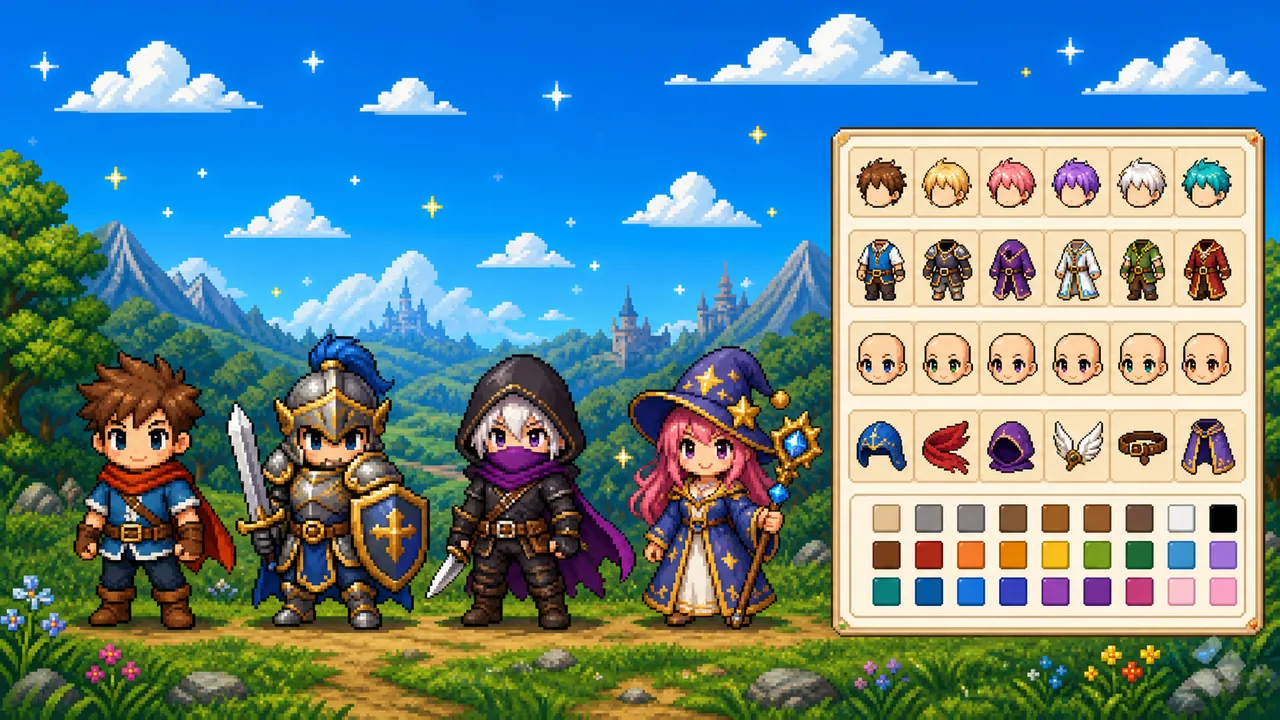
A pixel character maker online is a browser toy for building a small 2D pixel character from parts: body, hair, face, clothes, and extras. Pixel Game’s version is a pixel character maker free to open — no account, nothing uploaded — and it draws a full body, not just a head. That is the same blocky language as the pixel games on this site, turned into a custom pixel character maker you can actually export.
People look for nearby names for the same job: a pixel art character maker, a pixelated character maker, an 8 bit pixel character maker, a pixel game character maker. They all want a readable sprite they can drop on a mockup, a Discord bio, or a game pitch.
Open the maker here: Pixel Character Maker. Tap any example below to load it, then change a part.
What this pixel art character maker is for
Think of it as a 2D pixel character maker for ideas, not a full game engine.
- Full body — a pixel character maker full body canvas (32×32, scaled up sharp) so you see the whole person, not a cropped face
- Custom — every layer recolors; the custom pixel character maker path is pick a part, then pick a hex
- 8-bit feel — limited palettes, chunky outlines, the look people mean by 8 bit pixel character maker
- Yours in a minute — Randomize plus two swaps is enough to land on a character that does not look like a default NPC
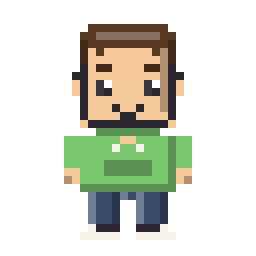
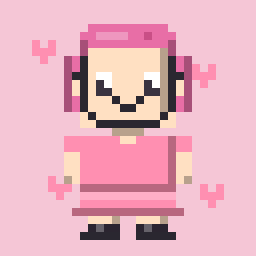
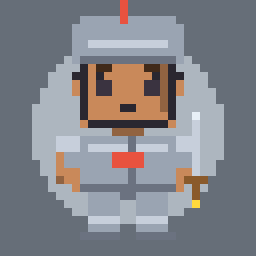
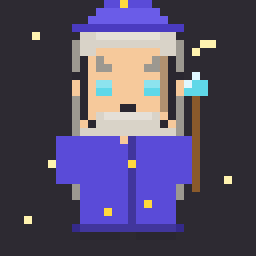
The examples on the tool page are the mood: casual kids, cute outfits, fantasy casters, RPG armor.
Pixel character maker for games
If you ship or prototype pixel games, this is a pixel character maker for games in the cheap, early sense: you need a face and a silhouette before you have an animator.
Game developers use a pixel game character maker like this to:
- Try three class silhouettes in an afternoon — warrior, mage, rogue — without opening Aseprite yet
- Show a producer or a friend “this is the vibe” with a PNG, not a paragraph
- Collect character inspiration by locking hair and rolling new outfits until something clicks
- Invent odder NPCs than a starter tileset allows — mint skin, a staff, wings, a neon visor
It will not replace your sprite sheet, idle frames, or hitboxes. It will get a 2D pixel character on screen so the rest of the conversation can start.
RPG and fantasy casts
An RPG pixel character maker is the same tool with different clothes. Armor, a helmet, a sword. A robe and a starry hat. A cape and a smirk. Load a preset, then break it: keep the shield, change the body, recolor the metal.
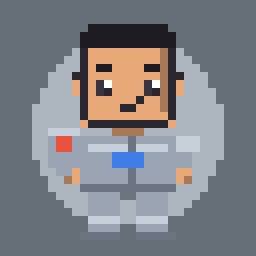
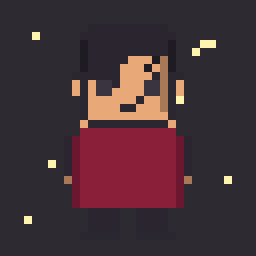
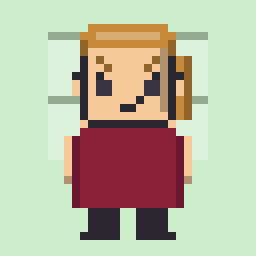
That loop — start from a known class, then mutate it — is how you get new party members instead of copies of the same hero.
Cute, chibi, and just playing with the art
Not every session has to be a game pitch. A cute pixel character maker pass is pastel hair, round eyes, a bow. A chibi pixel character maker pass is a petite or round body so the head reads bigger. Either way you are experiencing pixel character art with your hands: click, recolor, undo.
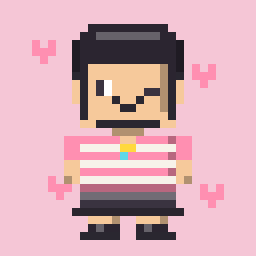
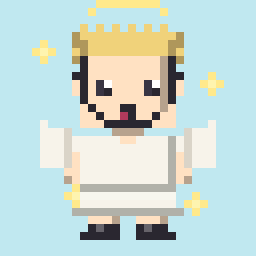
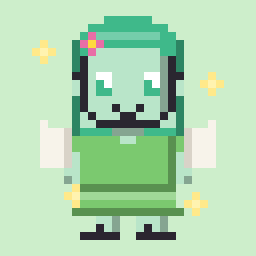
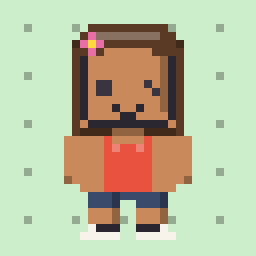
Use those looks for:
- Stickers and stream panels that still read at a small size
- A mascot while you browse this catalog
- Teaching someone what “pixel character” means without a lecture
Full body, Picrew, and photos
Pixel character maker full body vs a square PFP: this maker draws the whole figure. If you only need a 1:1 head for Discord, that is the Square Face Generator. Both are pixel character maker free tools on this site; they just crop differently. Together they cover a pixel character maker free full body sprite and a head icon.
Pixel character maker Picrew: Picrew is a third-party dress-up board with many canvases. The mix-parts-then-export habit is similar. Pixel Game’s maker stays 8-bit, full body, and next to the game list — you do not need a Picrew login, and you are not leaving this website.
Pixel character maker to photo: the maker does not turn a selfie into a sprite. That job is Photo to Pixel (the picture stays on your device). Use the maker when you want an original character; use the converter when you already have a photo.
How to use the pixel character maker online
You do not install anything. This pixel character maker online flow is:
- Open the pixel character maker
- Pick a body (round, oval, stocky, petite…) or press Randomize
- Set eyes, brows, and a mouth
- Add hair, a top, a bottom, shoes — lock a layer if you want Randomize to keep it
- Recolor from the swatches or type a hex
- Download a transparent PNG at 128, 256, or 512, or Share a link that stores the character in the URL
That is enough to treat it as a custom pixel character maker. If Randomize is close, change only the outfit.
Related tools and guides
The maker lives with the rest of the pixel tools. Color lists sit in Pixel Palette. Square icons are in the square face avatars guide. How the tools split work is in Pixel Tools on Pixel Game.
FREQUENTLY ASKED
Is the pixel character maker free?
Yes. The pixel character maker on Pixel Game has no account, no paywall, and no watermark on the PNG.
Is it a pixel character maker full body?
Yes. You get a full-body sprite. For a square head-only PFP, use Square Face Generator.
Is this like Picrew?
A Picrew search usually means dress-up in the browser. Same idea, different canvas — this one is an 8-bit full-body sprite beside Pixel Game’s pixel games.
Can I make a character from a photo?
Not here. Photo to Pixel converts an image. The maker builds a pixelated character from parts.
Is it useful as a pixel character maker for games?
Yes. Treat it as a maker for games and RPG concepts — sketch a cast, export PNGs, then rebuild the real sprites in your editor.
Cute pixel character maker or chibi pixel character maker?
Both. Soft bodies and big eyes lean cute. Compact builds lean chibi. Same tool, different parts.