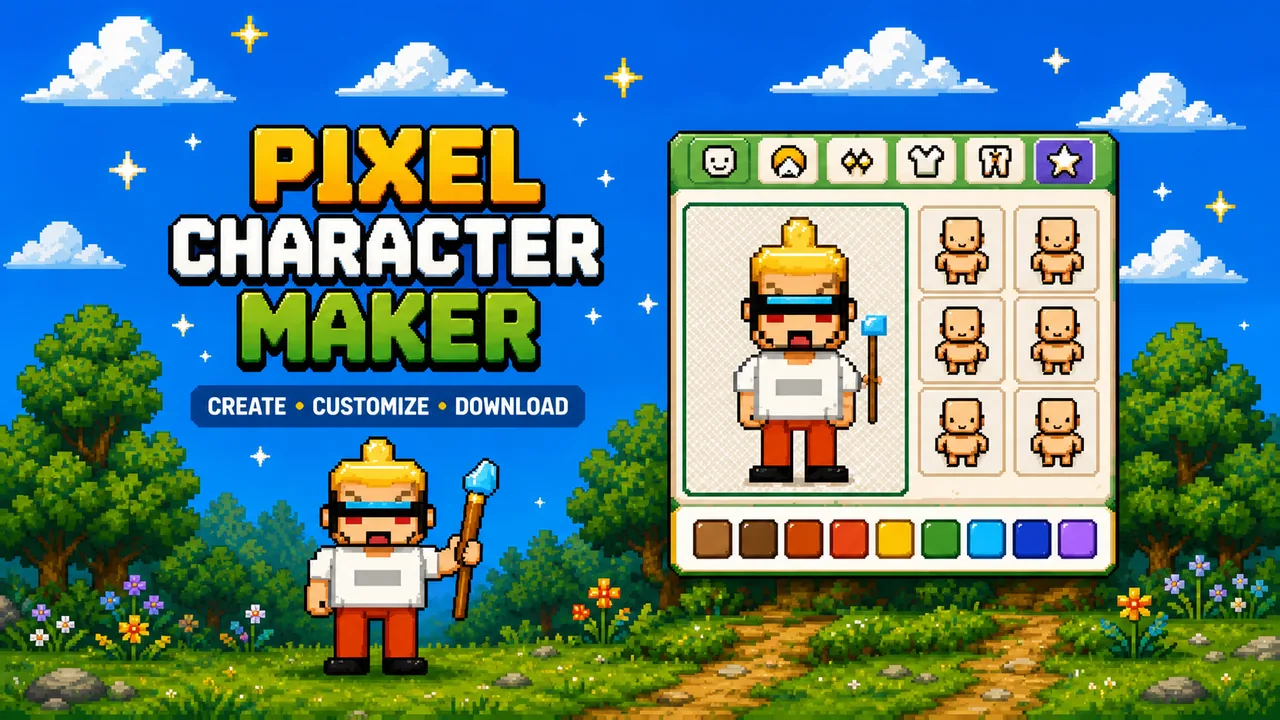
Use this pixel character maker to build a custom pixel person in your browser. Pick a body, hair, eyes, and outfit, recolor everything, and download a pixel-perfect PNG — free, with no account and nothing uploaded.
How to use the pixel character maker
- Choose a body. Start from a base build, or press Randomize for a surprise.
- Customize the face. Set eyes, eyebrows, and a mouth to give your character a mood.
- Pick hair and colors. Try a style, then use the color swatches for hair, skin, and eyes.
- Add clothes and accessories. Layer a top, bottom, shoes, and extras like hats, glasses, a sword, or wings.
- Download or share. Export a transparent PNG at 128, 256, or 512 px, or copy a share link.
Locked layers stay put when you Randomize, so you can hold a favorite hairstyle while you roll new outfits. Undo and Redo let you explore without losing your place.
What can you use your pixel character for?
- Profile pictures for Discord, Steam, and social accounts
- Game character concepts and prototype sprites
- Community and forum avatars that look designed, not generic
- RPG and tabletop inspiration for a new hero, mage, or rogue
- Personal creative projects, stickers, and pixel art practice
Character ideas to try
- Cute — pastel hair, big eyes, a bow, and a hearts background
- Fantasy — a robe, a wizard hat, and a glowing staff
- RPG — plate armor, a helmet, and a sword or shield
- Warrior — a bold build, an angry brow, and a cape
- Wizard — long silver hair, a starry robe, and a spellbook
Start from an example above and change a few parts — it is the fastest way to land on a character you like.
FAQ
Is the pixel character maker free? Yes. Create and download a pixel character for free, with no account and no watermark.
How do I download my character? Pick a size, then press Download PNG. The file uses a transparent background and stays sharp because it scales at whole-number multiples (no blur).
Can I share my character? Yes. Share copies a link that stores your character in the URL. Open it later, or send it to a friend to keep editing.
Is it private? Everything is drawn in your browser. Nothing is uploaded, and the PNG is generated on your device.
Related pixel tools
Turn a photo into pixel art with Photo to Pixel, save color schemes in Pixel Palette, or make a square avatar with the Square Face Generator. Browse everything on the pixel tools page.
Related guides
New to this style? Read Pixel Character Maker Online, Square Face Pixel Avatars, and Pixel Tools on Pixel Game, or play some free pixel games for inspiration.