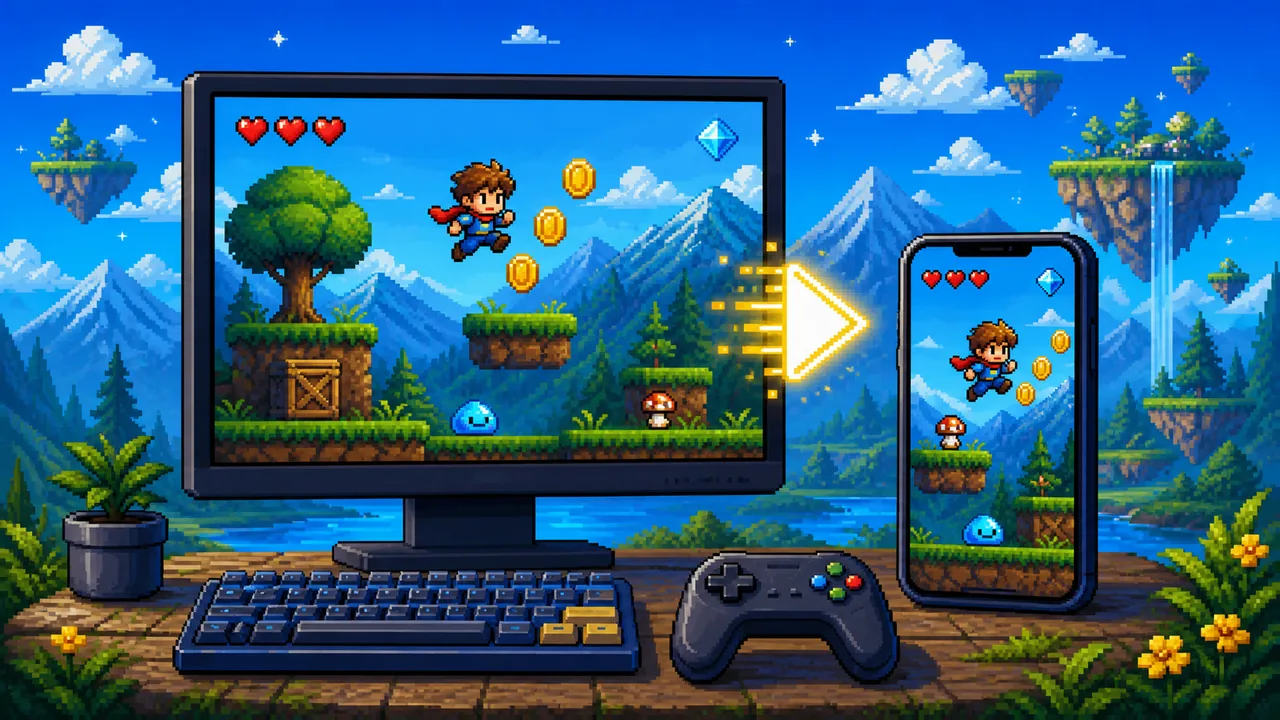
Pixel Game is built for pixel games online: open a page, load a curated title in your browser, and play without installing an app or creating an account.
What “online” means here
- Games run in the browser through an embedded player
- The catalog is curated by genre, not an endless scrape dump
- Each play page includes description, controls notes, and related picks
Third-party games may still have their own optional features or terms. Pixel Game itself does not charge to browse or launch listed games.
Desktop and mobile
Most titles support mouse and keyboard on desktop. Portrait and landscape games are labeled so you can rotate when needed. On phones and tablets, use touch controls where the game supports them, and prefer a stable network for the first load.
A simple play path
- Open All games or jump to a genre
- Read the short how-to notes on the play page
- Start a short run, then retry or switch genre
- Use Guides when you want context, or Tools when you want to make pixel art
Tips for better sessions
- Give the iframe a moment on first load before judging performance
- Use fullscreen when you need more focus
- Match the genre to your energy: shooters for intensity, puzzles for a quieter break
If you are new to the style itself, read What Is a Pixel Game? next.