ABOUT THIS GAME
Play Pixel Art Game Online
Pixel Art Game combines the look of a pixel bead picture with a color sorting puzzle. Each level presents a pixel pattern whose pieces mostly sit on the wrong background colors, making the picture look scrambled. Use the empty tray below the board to move pieces out of the way, then return them to spaces with matching colors until the correct image appears.
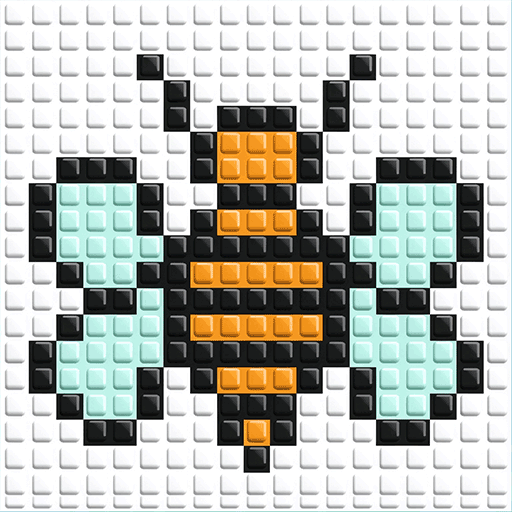
The early levels move from a blue-and-yellow tutorial to a penguin, a jack-o'-lantern, and a bee. Sorting the last misplaced pieces turns the messy board into a recognizable picture, with sparkling highlights marking the finished artwork.
| Detail | Information |
|---|---|
| Game | Pixel Art Game |
| Category / tags | Puzzle · Color Sorting · Pixel Art · Logic |
| Orientation | Landscape and portrait |
| Platform | Web browser |
| Available on Pixel Game | October 28, 2026 |
| Core objective | Move colored pixel blocks onto spaces with matching backgrounds |
How to Play Pixel Art Game
- Look at the colors of the blocks and the backgrounds underneath them.
- Click a block to select blocks of that color. The selected blocks lift above the board.
- Click an empty slot in the bottom tray to move the selected color off the board and create space.
- Select another color, then click an empty board space with the matching background.
- Select the blocks held in the tray and move them back onto their matching backgrounds.
The tray is a temporary holding area. Use it to make room for a color that needs to move, then clear it again as matching spaces become available.
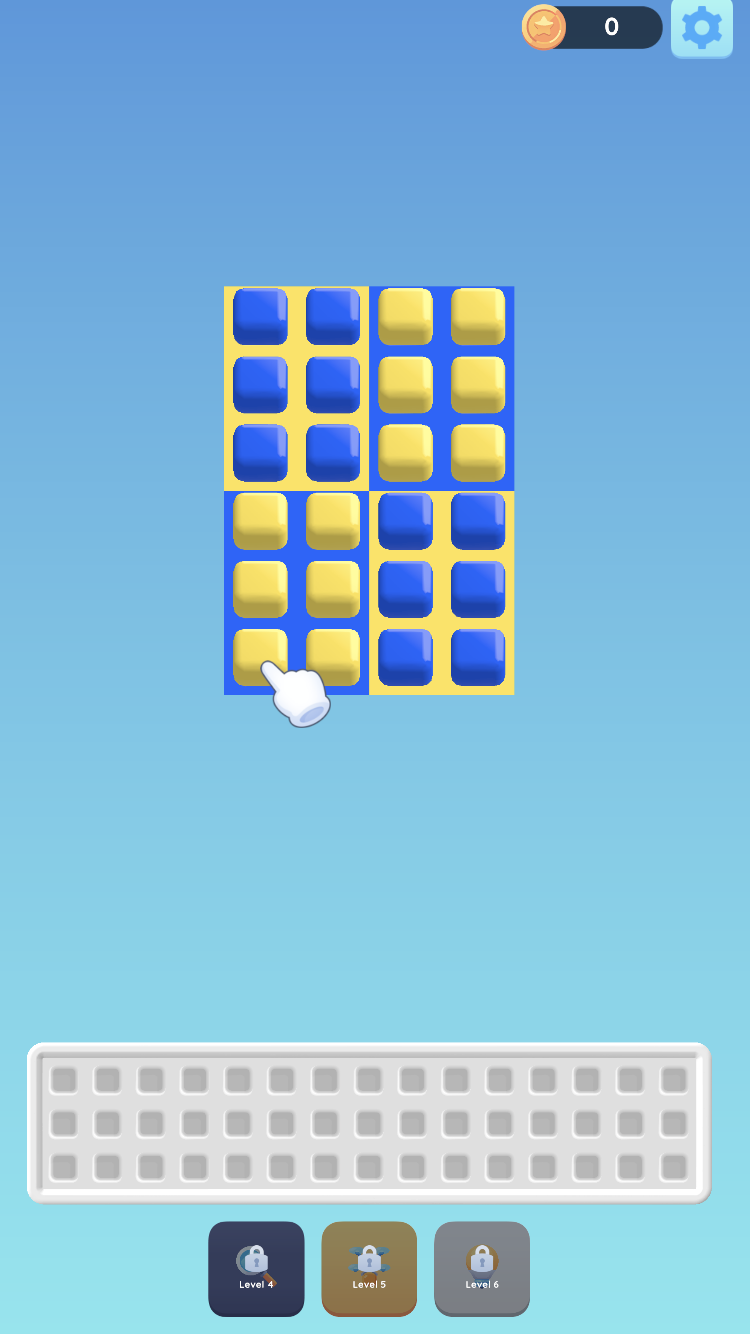
The tutorial starts with four blue-and-yellow sections on a light blue background. A hand points to a yellow piece, the holding tray is empty, and tools show Level 4, 5, and 6 locks. The coin counter starts at 0.
Pixel Art Game Controls
The browser game uses point-and-click selection. Choose a color first, then choose its destination.
| Control | Action |
|---|---|
| Click a colored block on the board | Select blocks of that color |
| Click an empty slot in the tray | Move selected blocks into temporary storage |
| Click colored blocks in the tray | Select the stored color to move it back to the board |
| Click an empty space on the board | Move the selected blocks into the available spaces |
Pixel Art Game Features
- Color sorting: Match the color of each block to the background beneath it.
- Group selection: Selecting a color lifts its blocks so you can see what will move.
- Holding tray: Store blocks below the board while making room for other colors.
- Animated movement: Watch the selected blocks travel between the board and the tray.
- Pixel board: Raised square pieces and colored backgrounds make the current arrangement easy to compare.
- Picture levels: Rebuild recognizable pixel pictures, including a penguin, a jack-o'-lantern, and a bee.
- Completion effects: Sparkling highlights celebrate the restored picture.
| System | How it works |
|---|---|
| Board | A pixel picture with many pieces on the wrong background colors; sort them into the correct spaces. |
| Moving pieces | Use the empty bottom tray as temporary storage while freeing matching spaces on the board. |
| Completing a level | Restore the correct picture and see the finished pieces sparkle. |
| Themes | Early examples progress from a four-section tutorial to a penguin, a jack-o'-lantern, and a bee. |
| Tools | Magnifying-glass, bucket, and lightbulb icons appear as you progress; some tools show Level 4, 5, 6, or 8 locks. |
| Extra tray space | An “Open +5” option with a video icon offers five extra holding spaces through an ad prompt. |
Pixel Art Game Level Gallery
Penguin: From Scrambled Colors to a Finished Picture
The penguin level shows why the background matters. A piece can fit inside the outline of the picture while still sitting on the wrong color. Use the tray to separate misplaced groups, then rebuild the black-and-white body, yellow beak, and small colored details.
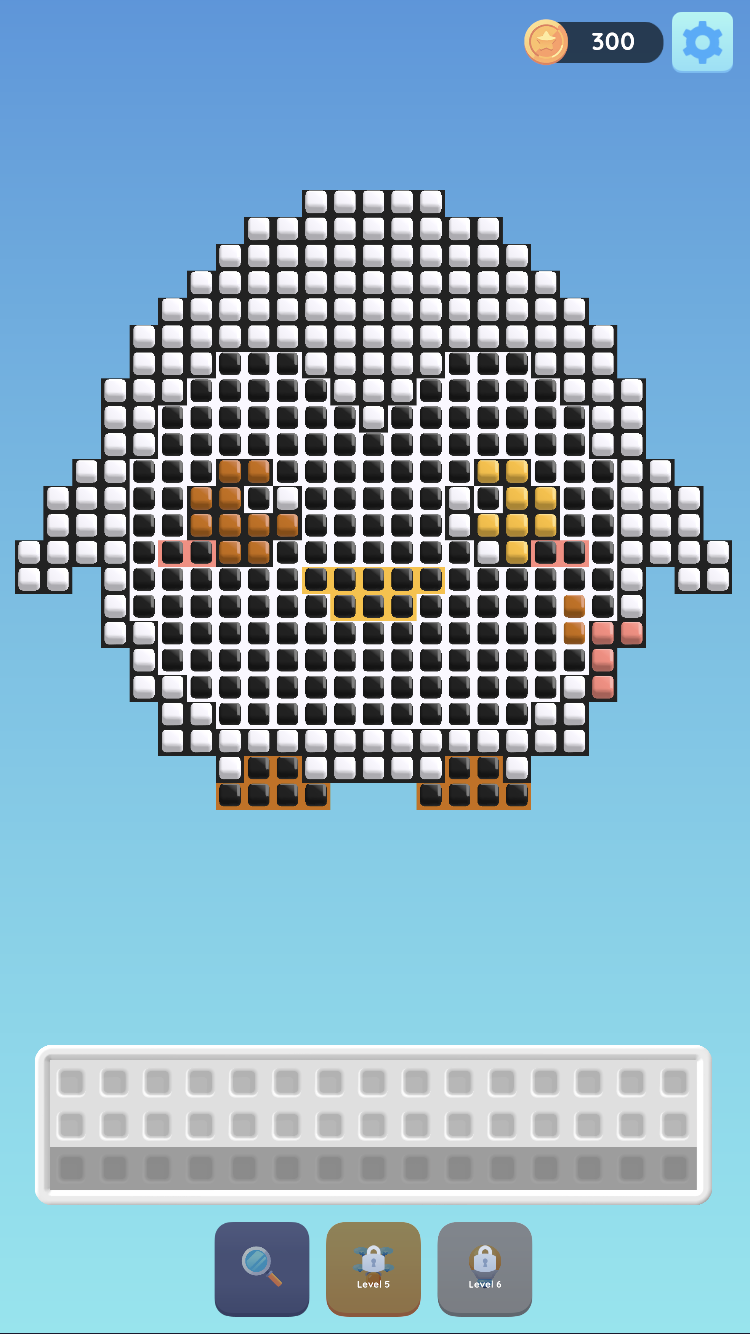
Penguin sorting in progress: the counter shows 300 coins, the magnifying-glass tool is available, and the next tools remain locked at Levels 5 and 6.
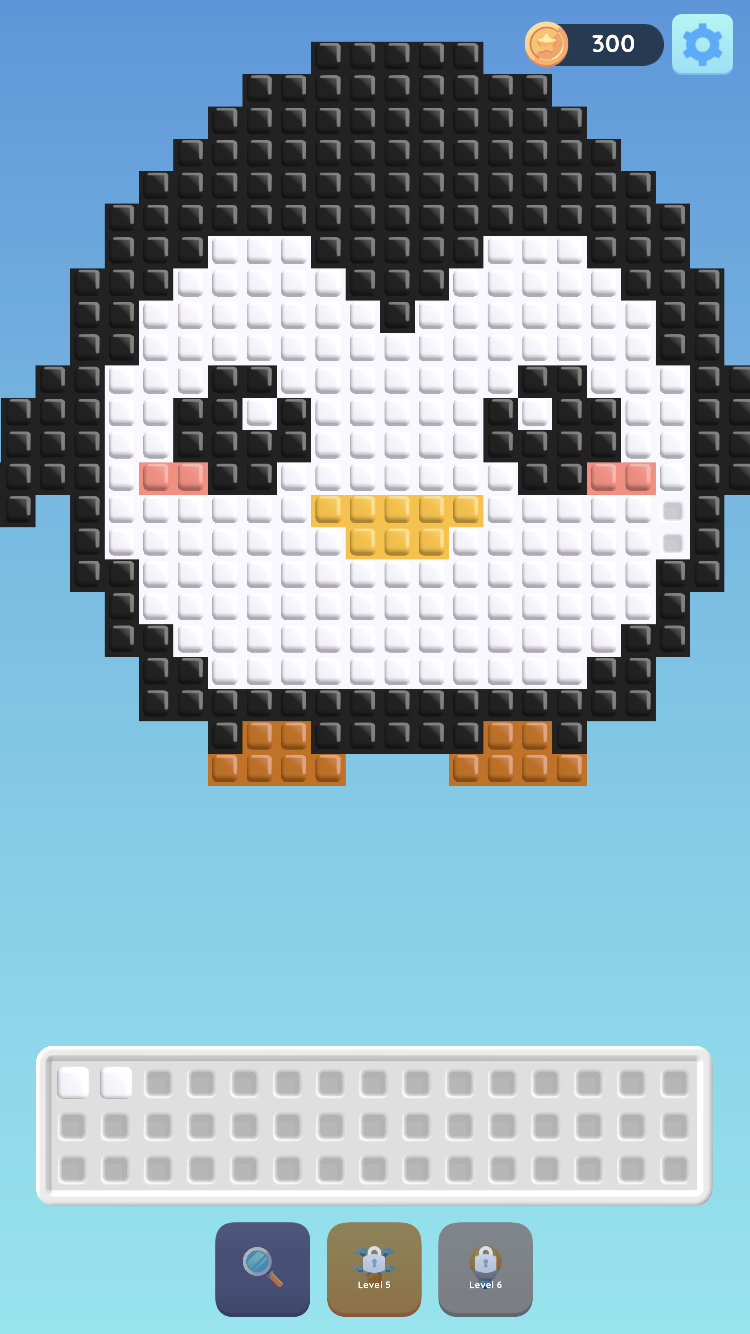
Only a few white pieces remain in the tray as the penguin approaches completion.
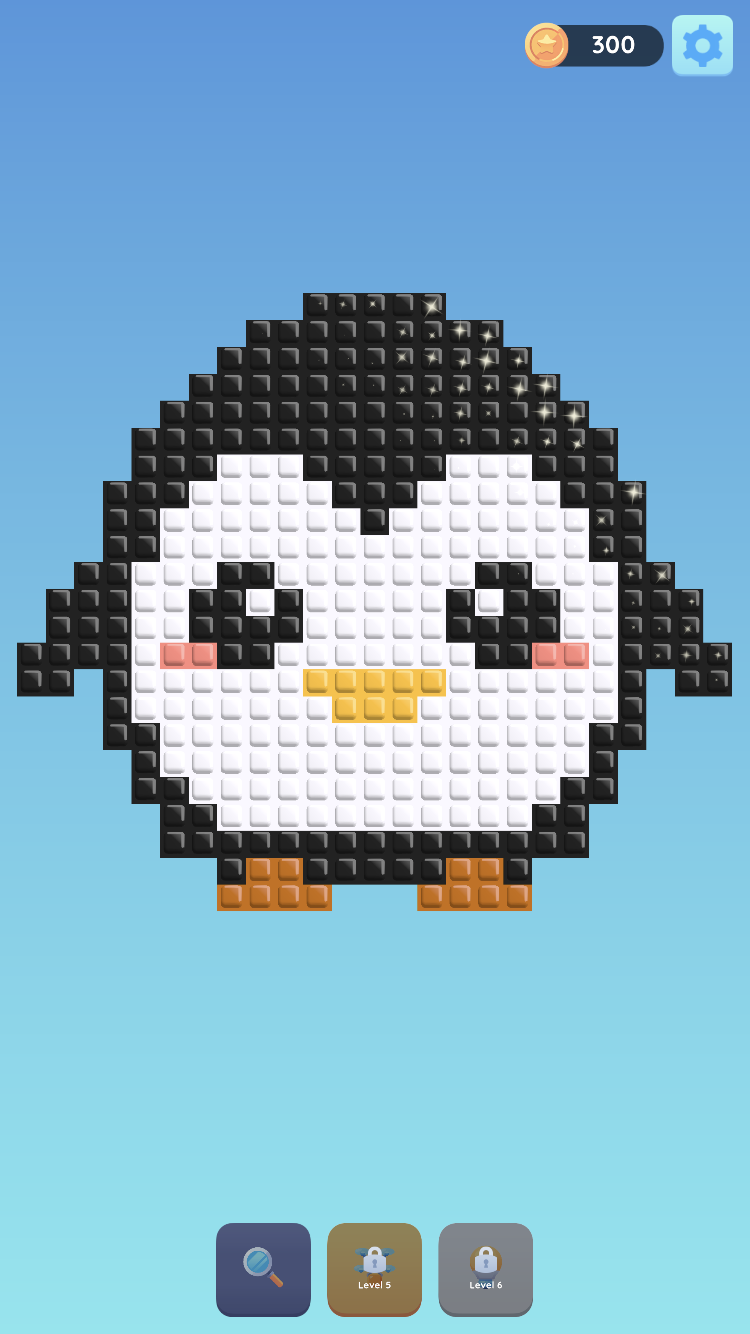
The completed penguin sparkles. The holding tray disappears from this completion view, leaving the toolbar below the picture.
Jack-o'-Lantern: Sort the Orange and Black Pieces
The pumpkin picture adds a larger arrangement of orange shades and black details. Keep temporary storage available while sorting the face and outline, then return the remaining orange pieces to their matching spaces.
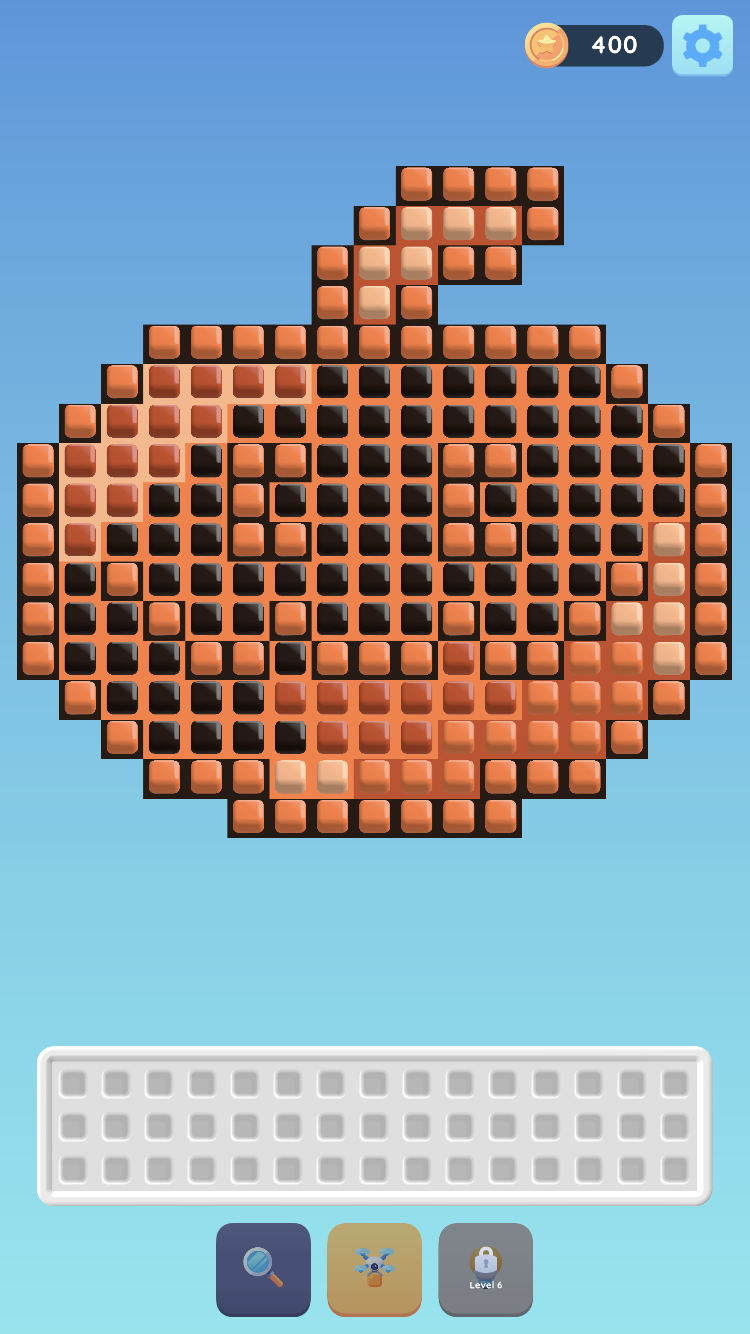
The pumpkin level begins with misplaced orange and black pieces; the coin counter shows 400.
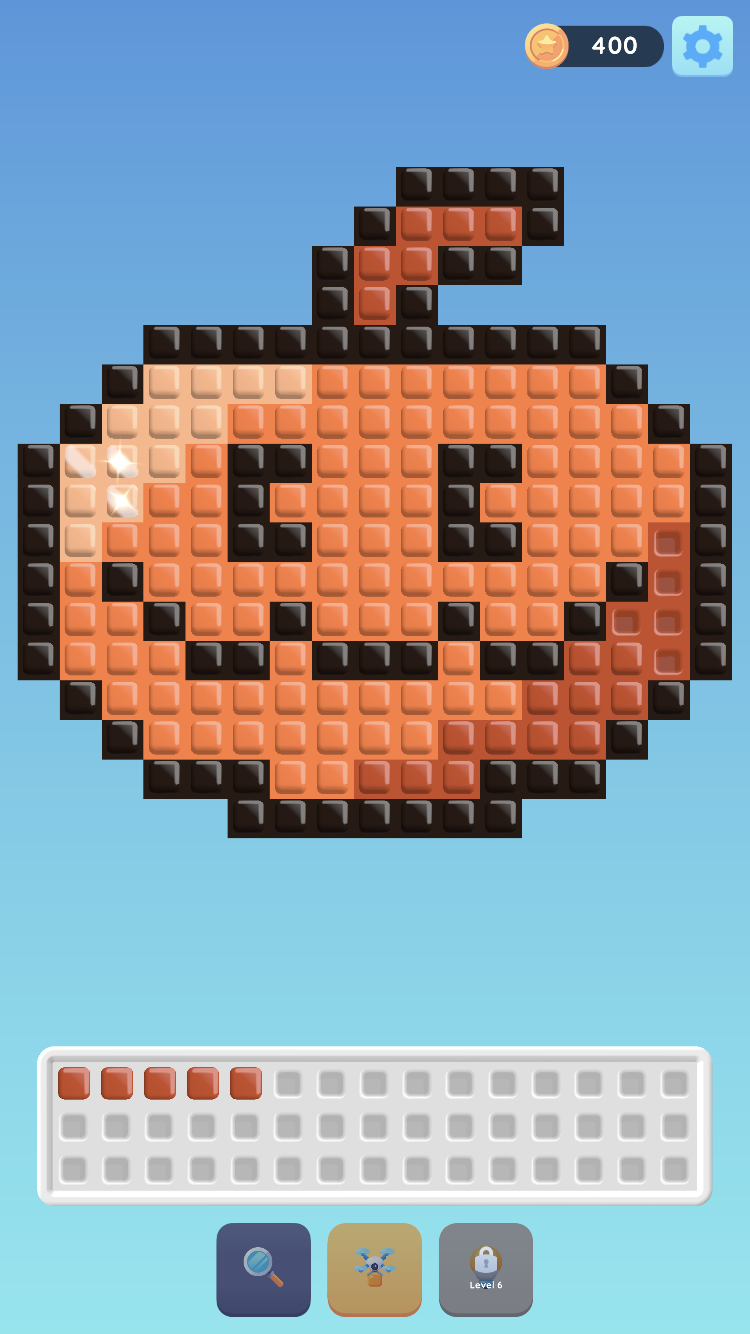
The pumpkin is almost restored, with several orange pieces still waiting in the holding tray.
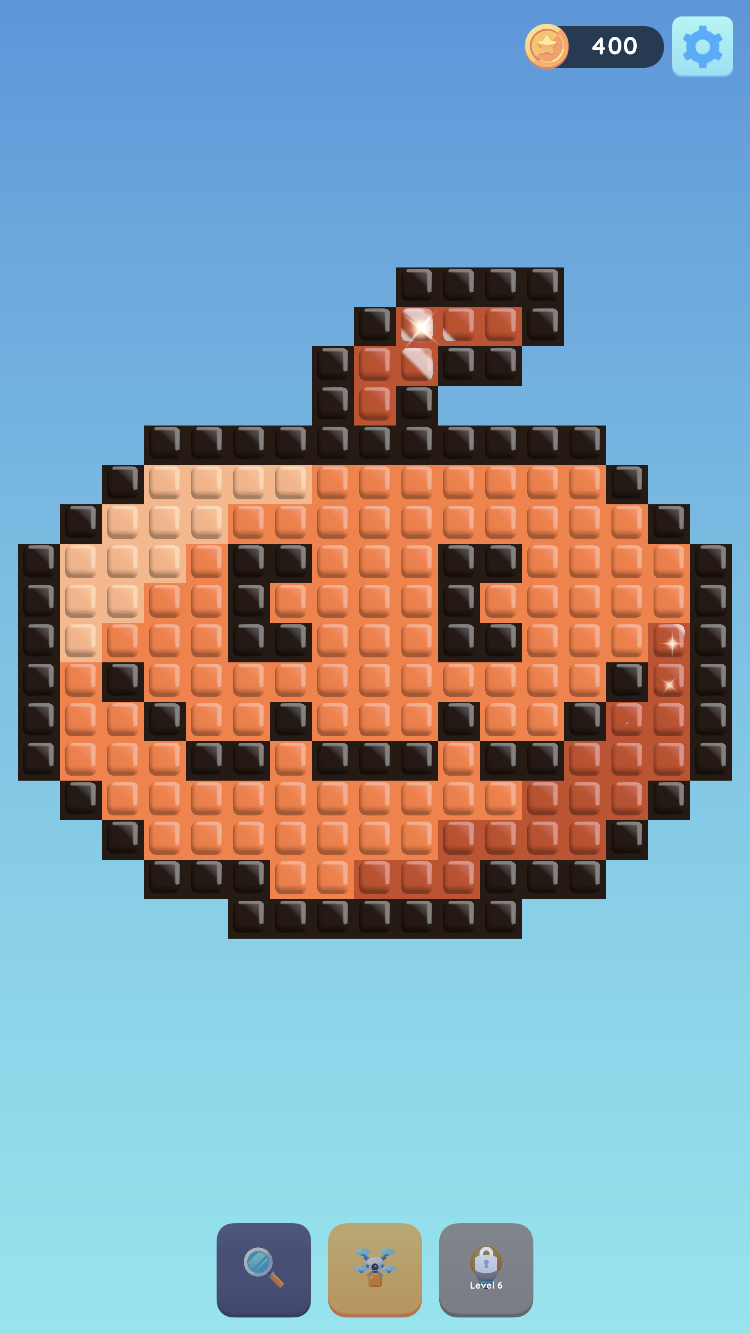
Sparkles mark the finished jack-o'-lantern after its pieces return to the correct colors.
Bee: A Larger Board and Extra Tray Space
The bee level uses a larger grid with black, white, pale blue, and yellow-orange pieces. Plan which groups to move first so the holding tray leaves room for the next color.
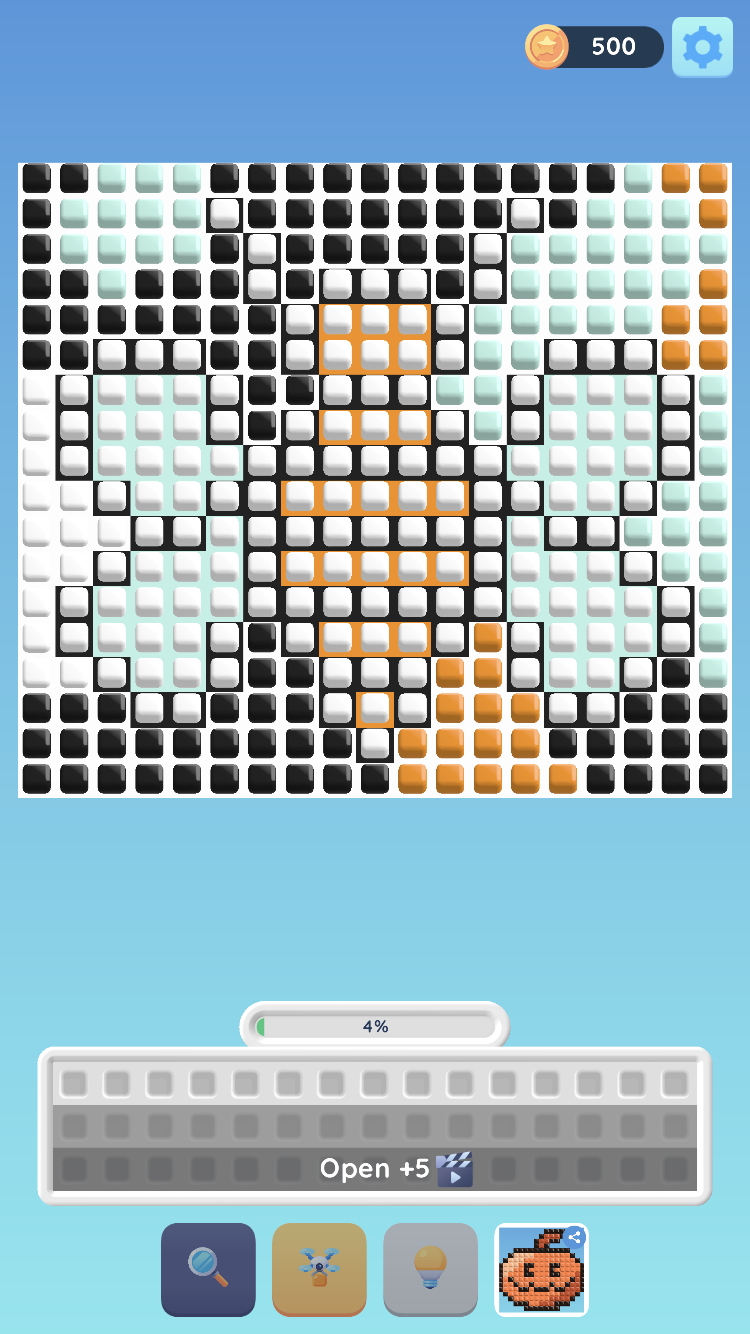
The bee board is at 4% progress with 500 coins. The bottom tray shows “Open +5” with a video icon, and the toolbar includes magnifying-glass, bucket, and lightbulb icons.
Tools and Holding Tray Space
The toolbar changes as you progress. Early tools carry level locks, while later screens show more available icons, including a magnifying glass, a bucket, and a lightbulb. Check each tool's in-game prompt when it becomes available.
The tray can also show Open +5, an ad-based expansion prompt for five extra holding spaces. This can help when a large picture leaves little room to rearrange colors. Whether the ad completes and the spaces open depends on ad availability in the version you are playing.
What Skills Can Pixel Art Game Help You Practice?
Sorting the board gives you a way to practice color matching and spatial planning. Before moving a group, look for the spaces it needs and decide which color must move out of the way first. Keeping track of the tray also asks you to plan the order of your moves.
Tips for Playing Pixel Art Game Online
- Compare each block with its background before choosing your first color.
- Use the tray to open spaces that another color needs.
- Move blocks onto matching backgrounds when those spaces become available.
- Remember which color is in the tray so you can return it to the board.
- Let the movement animation finish before selecting your next group.
- Near the end, check the tray for a few remaining pieces before looking for another misplaced group on the board.
Why Play Pixel Art Game?
Play for a visual sorting puzzle built around a clear goal: put the colors where they belong. Selecting whole color groups keeps the input simple, while the holding tray gives you space to rearrange a board whose pieces initially block one another.
Play Pixel Art Game Online
Start the player above to load Pixel Art Game in your browser. The player adapts to landscape and portrait screens. Click a block to select a color, then choose where it should move. You can also browse more puzzle games on Pixel Game.
Pixel Art Game FAQs
What is the goal of Pixel Art Game?
Move the colored pixel blocks onto board spaces with matching background colors.
How do I move the blocks?
Click a block to select its color, then click an empty destination on the board or in the tray. Blocks of the selected color move together.
What is the tray for?
The tray temporarily holds blocks so you can free spaces on the board. Select a stored color and move it back when its matching spaces are available.
Why do some blocks rise when I click one?
Raised blocks show the selected color group. Choose an empty destination to move that group.
Which pictures appear in the early levels?
The early examples include a blue-and-yellow four-section tutorial, a penguin, a jack-o'-lantern, and a bee.
Why are some tools locked?
Some tools unlock as you progress. The tutorial shows Level 4, 5, and 6 labels, and other tools may show later requirements such as Level 8.
What does Open +5 mean?
It is a prompt to open five extra tray spaces through an ad. Check the in-game prompt for availability in your current version.
Can I play Pixel Art Game in a browser?
Yes. The player on this page loads Pixel Art Game, with landscape and portrait support and point-and-click controls.