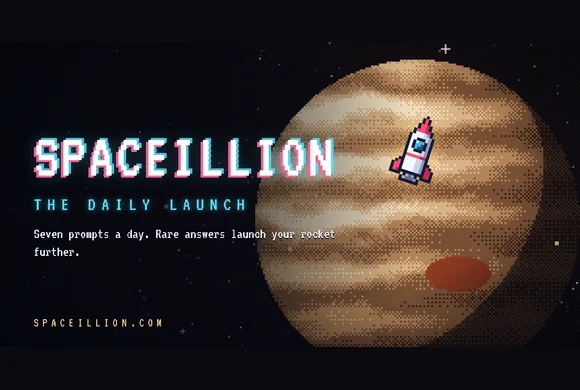

ABOUT THIS GAME
Play Pixel Spaceillion Game Online
Play Spaceillion online and see how far your trivia answers can send a pixel rocket. Select Begin Launch in the player above for today's seven free prompts. You have 25 seconds per prompt to type one answer that fits. Pick something few other players would think of to fly farther. Want a practice run first? Open Archive in the game menu and choose an earlier date.
| Detail | What to expect |
|---|---|
| Game | Spaceillion |
| Category | Trivia · Pixel Art · Daily Game |
| Your goal | Fly farther by finding rarer accepted answers |
| Daily Launch | Seven prompts, 25 seconds each |
| Platform | Web browser on phone, tablet, or computer |
| Available on Pixel Game | November 12, 2026 |
How to Play Spaceillion
- Select Begin Launch. Read the prompt during ignition so you can start thinking before the answer field opens.
- Type one answer that fits. Watch the seconds beside the input and press Enter or select Launch to submit. If your answer gets rejected, check the spelling or try a different answer while the clock is still running.
- Watch the rocket and read the points. A valid answer can score low if many players chose it. Select Fly On after the result appears to bring up the next prompt.
- Open See Your Results after prompt seven. In the Flight Log, select a round to see your answer, its score, and other accepted answers.
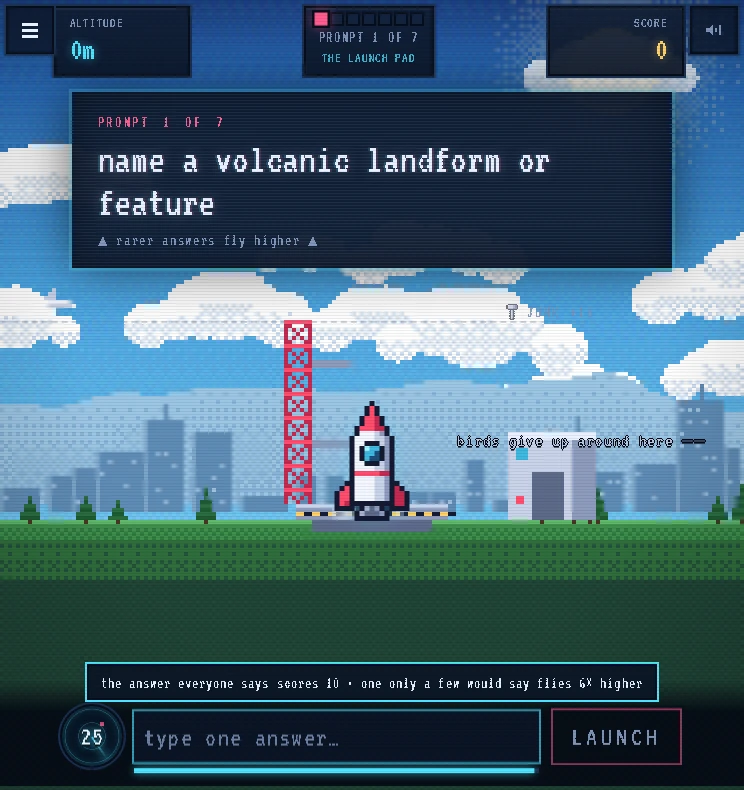
Watch the countdown to the left of the answer field. Give yourself time to fix a spelling before it reaches zero.
Spaceillion Controls and Feedback
| Control or cue | What to do |
|---|---|
| Your answer | Click or tap the field and type one answer |
| Launch / Enter | Submit what you've typed |
| Spelling suggestion | Check the suggested word, then select Launch again or edit |
| Rejected answer | Replace it or fix the spelling while the timer is running |
| Fly On | Start the next prompt after the flight |
| Flight Log | Select a round to see what scored and browse accepted answers |
If the clock runs out with an answer in the field, Spaceillion checks what you've typed. An empty answer or an unaccepted answer scores zero for that prompt, and you can still fly on to the next one.
Choose a Spaceillion Mode
- Daily Launch gives everyone the same seven prompts and one run per day. Start here to compare your distance with a friend who played the same round. The next set opens at midnight UTC.
- Archive is where you can choose an earlier date. Use it for another round today or to revisit a prompt you struggled with. Archive runs leave your daily streak alone.
- Themed Packs let you choose a subject such as Space & Astronomy, Geography, or Games & Tech. Browse the packs when you want to stick with a topic. The optional Spaceillion+ unlock covers every pack and unlimited runs.
- Launch Party is for friends playing at the same time. Open Party to host or join with a code. Choose Mission Control from the menu if you want to host on a shared screen while players answer on their own devices.
Follow Your Spaceillion Flight
Watch Altitude and Score as your pixel rocket climbs away from the launch pad. The route passes Earth orbit and the Moon, then Mars, the asteroid belt, Jupiter, and Saturn. Higher scores carry you beyond the outer planets toward the Orion Nebula, the Milky Way's edge, and Andromeda. A perfect 700-point run reaches the edge of the observable universe.
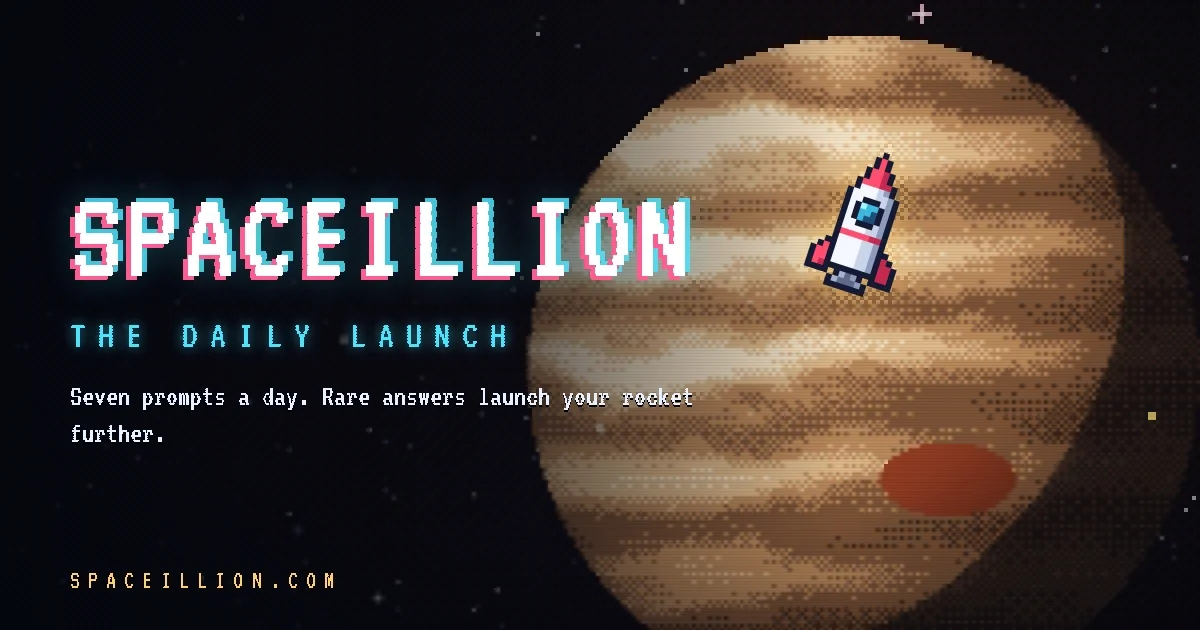
Look for Jupiter after the asteroid belt. Check the destination on your results screen, then use it as the distance to beat next time.
Find Rarer Answers in Spaceillion
- Keep one answer ready. Think of a word that clearly fits as soon as you read the prompt. If a less obvious answer comes to mind while there's time to type it, use that.
- Look one step past the crowd. If you're asked for a type of tree, oak may come quickly. Think of another tree you can name with confidence, such as larch. The rarity depends on what others choose.
- Check the tier after launch. Space Junk signals a common pick. Comet and Nebula are rarer tiers. Tap the round in the Flight Log to compare answers and see what else fit the clue.
Is Spaceillion for You?
Try Spaceillion if you like general knowledge quizzes, open-ended prompts, and the pressure of making a quick choice. The pixel-art flight makes it easy to feel the difference between a safe pick and a rare one. If timed typing sounds stressful, try an Archive round first and see how the countdown feels on your device.
Play Spaceillion Online for Free
Start the Daily Launch in your browser. On a phone, tap the answer field when it appears and use the on-screen keyboard. After your seventh answer, check your destination on the results screen and see if you can beat it in your next Spaceillion run. Find the game again under Trivia.
Spaceillion FAQs
Can I play Spaceillion for free?
Yes. The Daily Launch is free in your browser and works without an account or download. Spaceillion+ is optional.
Can I retry if Spaceillion rejects my answer?
Yes. Change your answer and submit it again before the timer expires. If the game suggests a spelling, check it and confirm with Launch.
Can I play another Spaceillion round today?
Yes. Open Archive and choose a previous date. The next Daily Launch arrives at midnight UTC.
How can I tell why an answer scored low in Spaceillion?
Open the Flight Log at the end and select the prompt. Check the answer's rarity tier and look at other accepted answers. When the game has enough response data, the rarity feedback can also show how often other players picked your answer.